OpenAI MCP Extensions
OpenAI MCP Extensions adds ChatGPT-specific capabilities to MCP so developers can build plugins that feel like native, first-class features.
Try it out
-
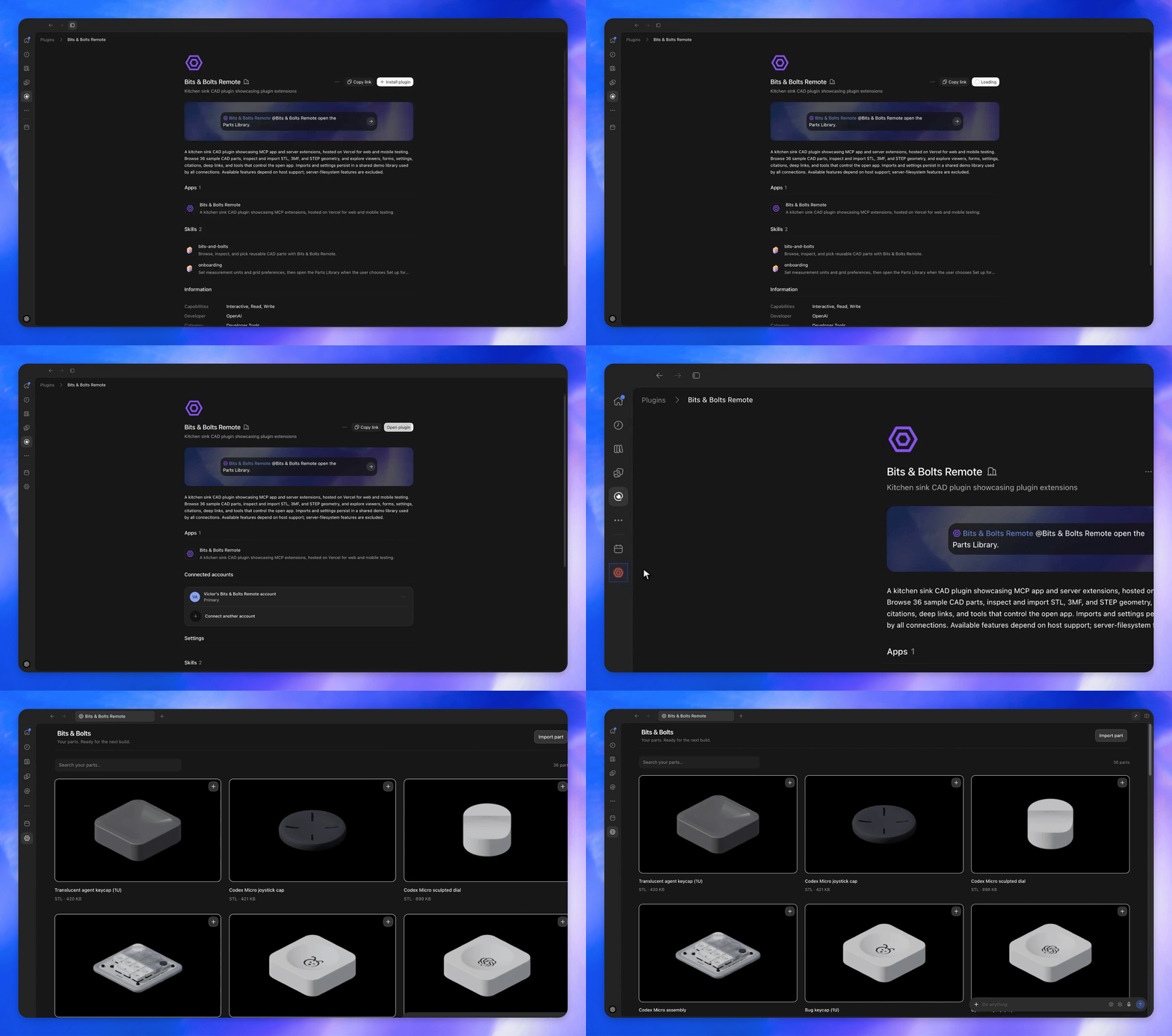
Install Bits & Bolts Remote.
-
Select the Bits & Bolts icon in the sidebar to open the Parts Library.
-
Open Extensions walkthrough to explore a demo of each major extension.
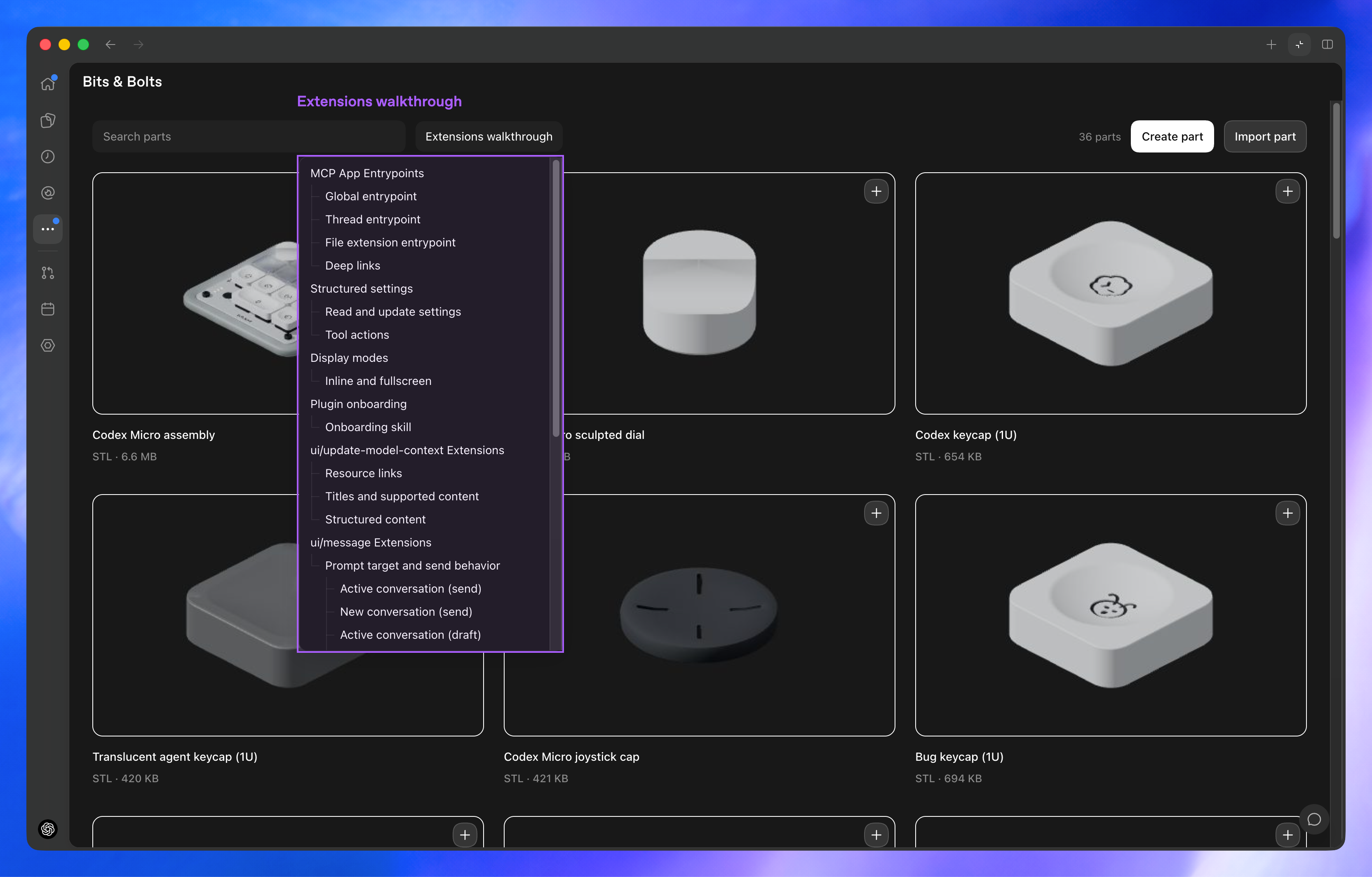
Showcase
Sidebar entrypoints
Allow users to access your app from the sidebar.
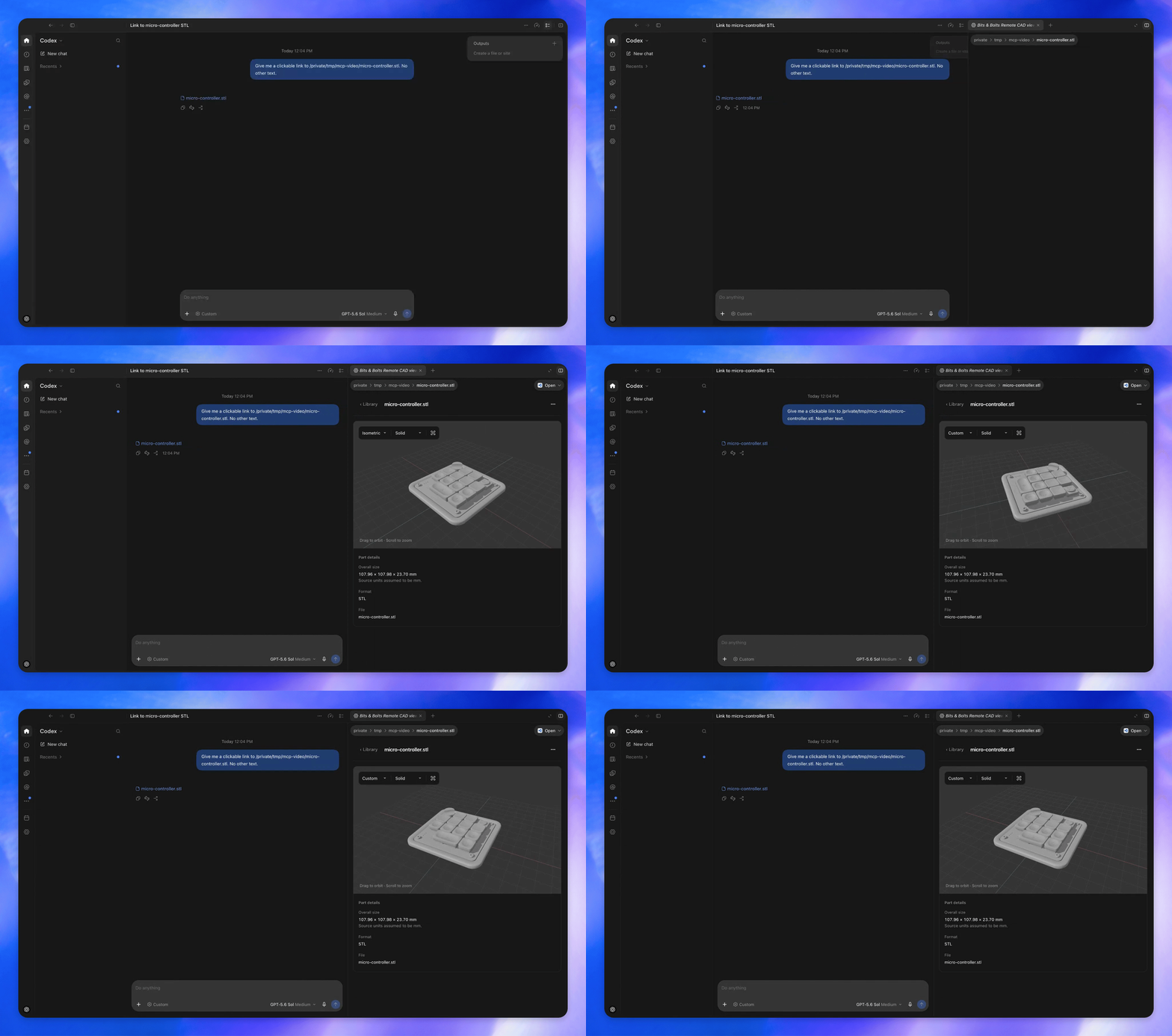
File extension handlers
Render custom file viewers when users open a supported file type.
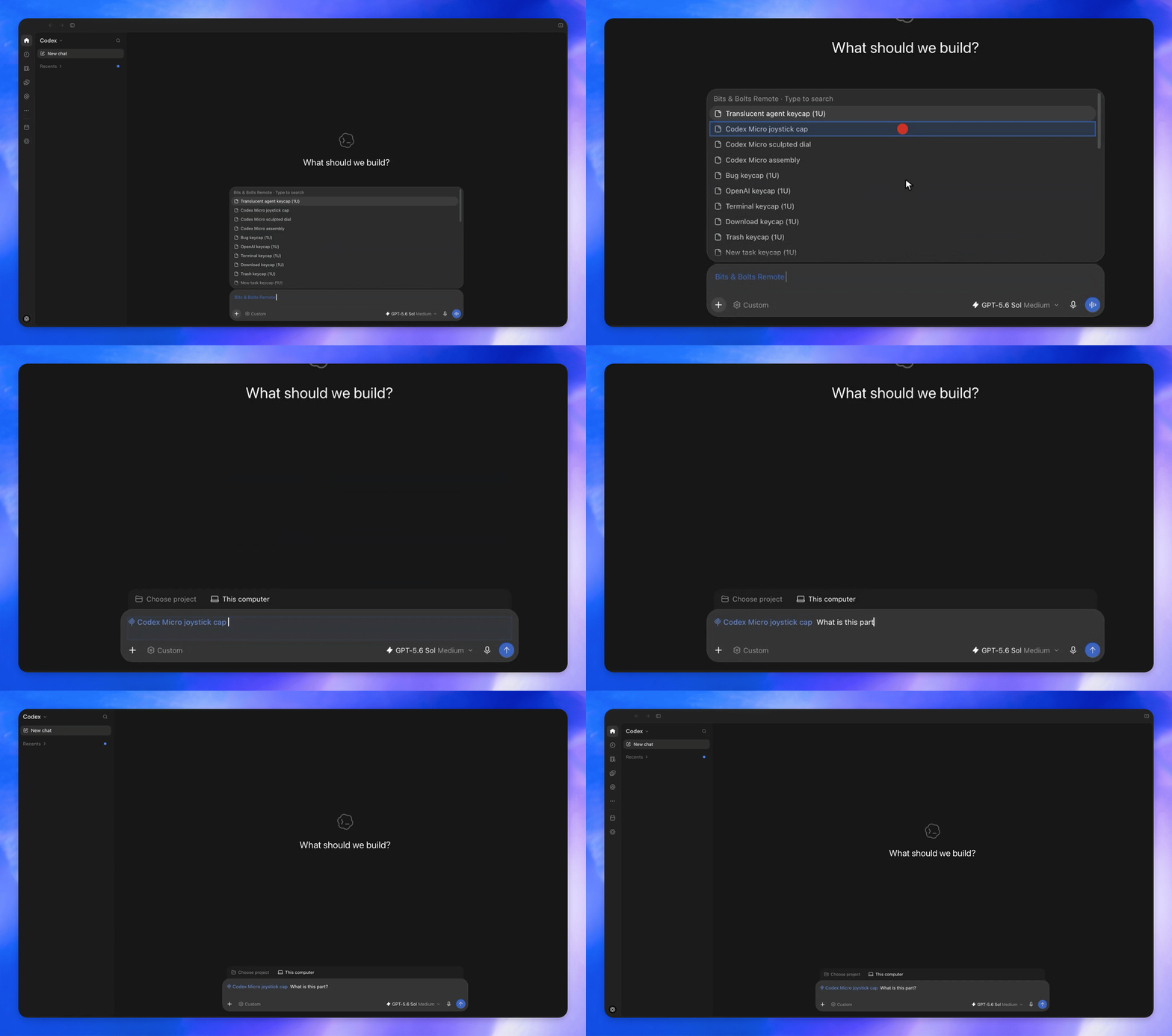
Composer mentions
Let users search your plugin’s resources from the composer and add references to a message.
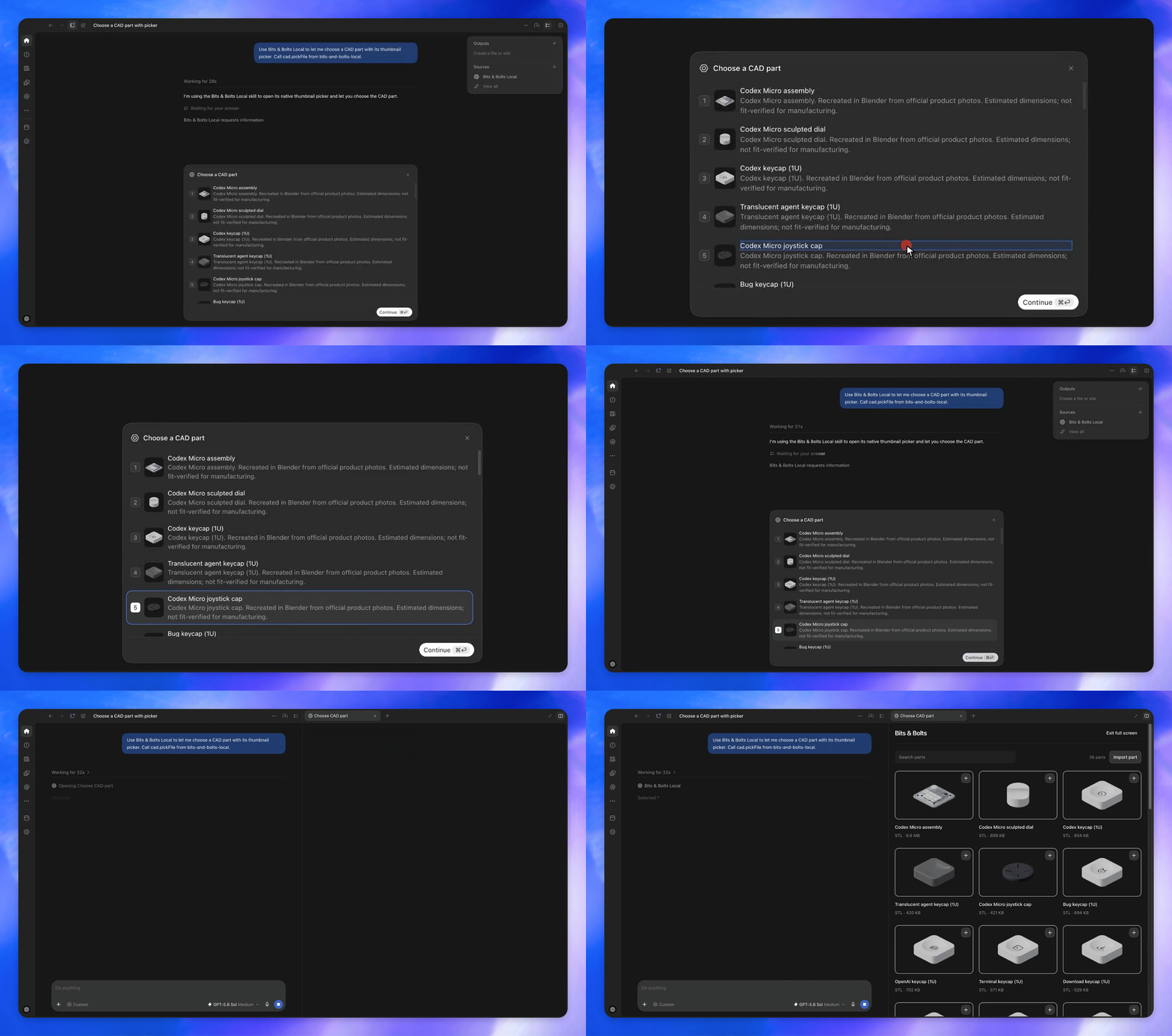
Extended forms
Let users select a CAD part using thumbnail choices.
Get started
1. Integrate extensions
Ask @Plugin Creator in Codex to build a new plugin or improve an existing one for you.
2. Install the SDK
- TypeScript:
@openai/mcp-extensionsfor MCP servers and Apps. - Python:
openai-mcp-extensionsfor MCP servers.
3. Learn more
- docs/spec.md lists all supported extensions.
- docs/patterns.md covers best practices.
- CHANGELOG.md lists API changes.
- Bits & Bolts source shows how to integrate extensions in practice.
4. Provide feedback
Notice any gaps in extensions for your plugin? Submit feedback here.
License
This project is licensed under the Apache License 2.0.