Skills Hub
Install once, sync everywhere.
One place for your AI Agent Skills. Install them once, then sync them to the coding tools and projects you use.
Website · Download · Documentation · Browse collections · 简体中文
Download
Download Skills Hub for macOS, Windows, and Linux from the official download page.
If macOS says the app is damaged or the developer cannot be verified, see the installation help.
What you can do
- Find and install Skills: Browse task-focused collections in the app or on the website, search individual Skills, or import from Git and local folders.
- Sync to your tools: Choose target tools and global or supported project scope, or add a custom directory.
- Manage in bulk: Organize tags, choose tools, enable or disable Skills, and update multiple selected Skills while keeping their saved settings.
- Manage through AI: Ask your coding agent to install, update, and organize Skills using the same library as the desktop app.
- Sync across devices: Keep Skill files, descriptions, and tags aligned through a GitHub, GitLab, or Gitee repository.
Supported tools
Skills Hub supports 48 AI coding tools, including Claude Code, Codex, Cursor, and OpenCode. Custom tool directories are also supported.
View the full supported tool list →
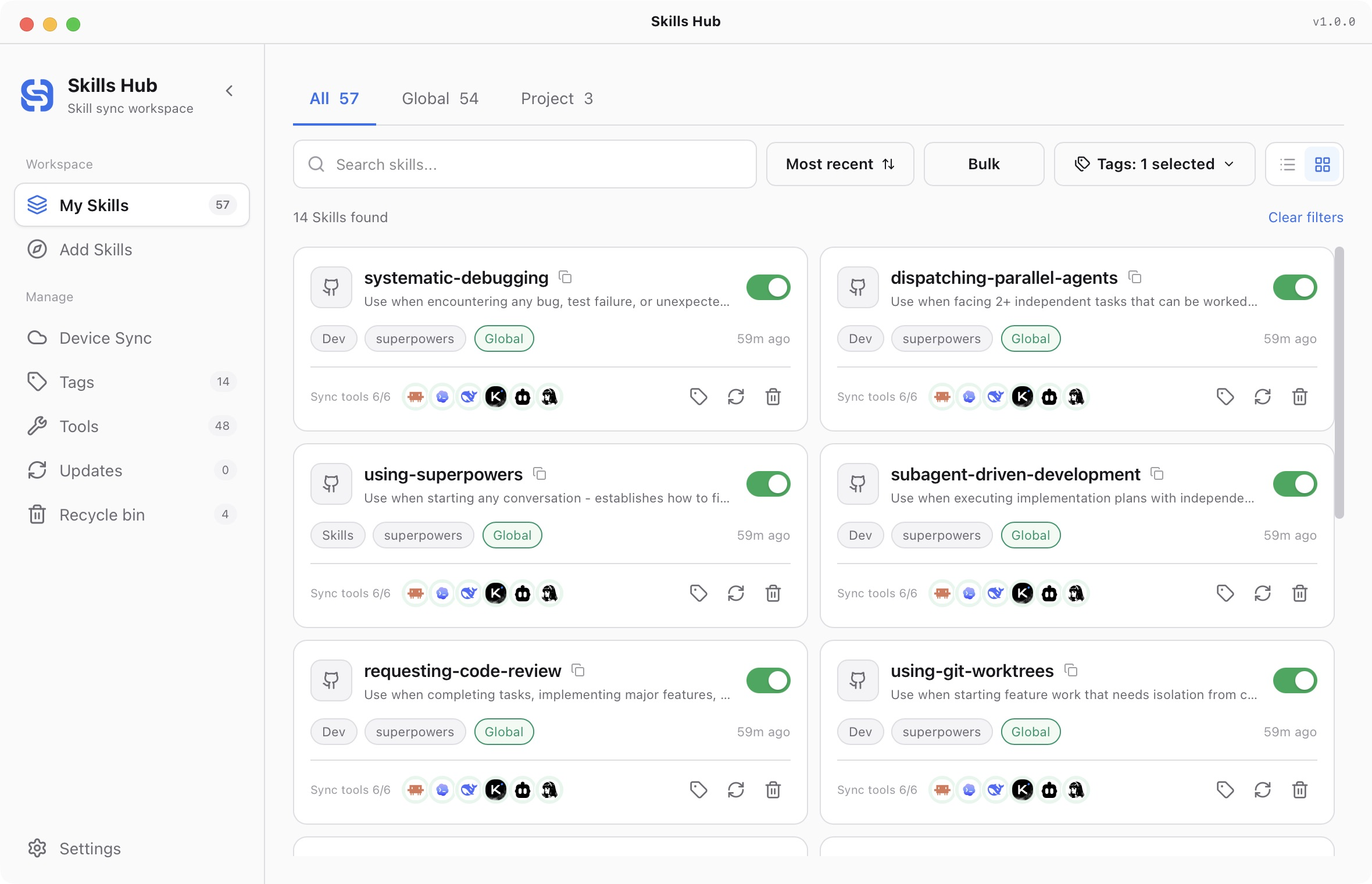
Preview
Your library, with tool sync status, tags, and filters.
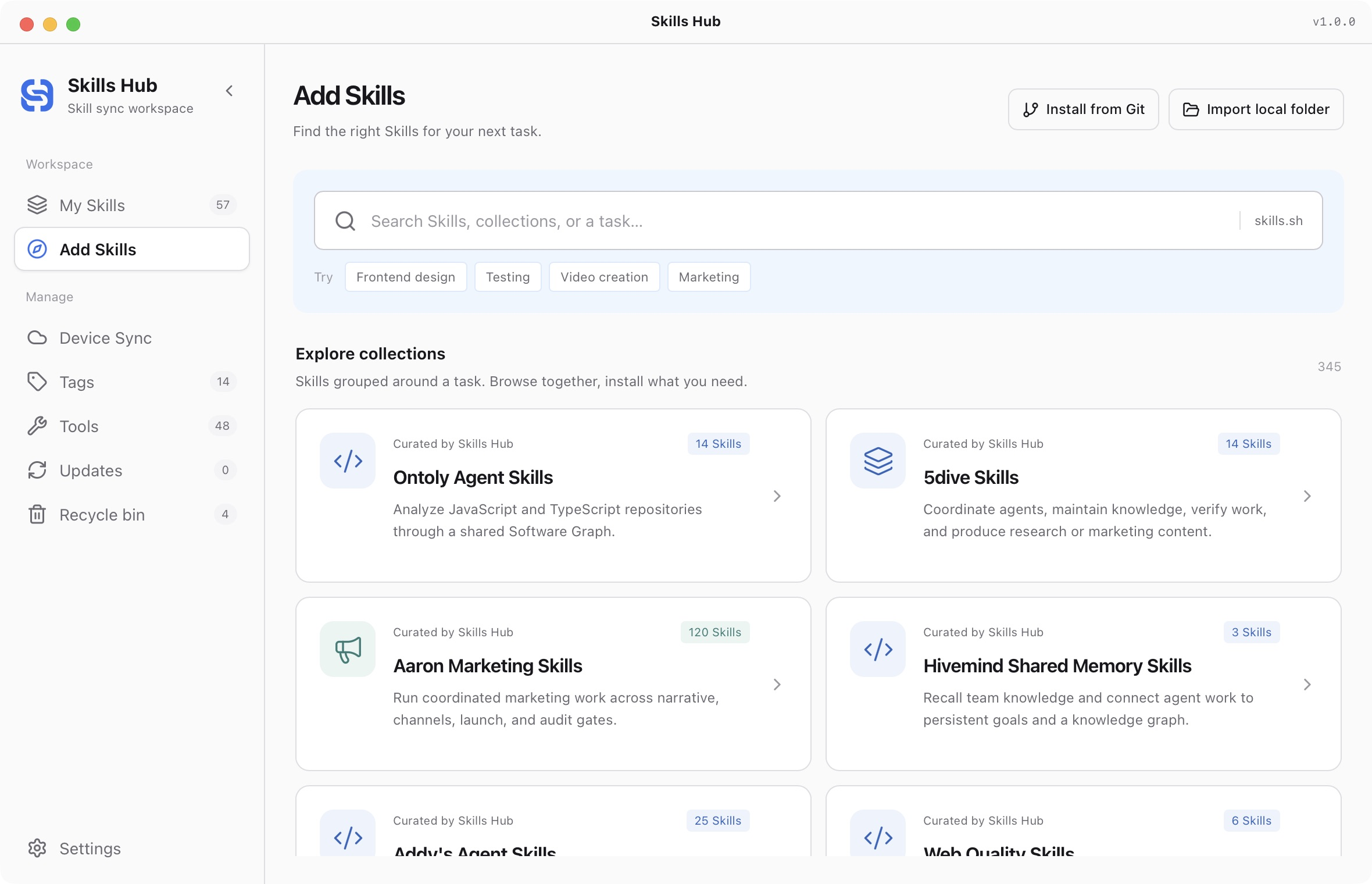
Collections for the task you're working on. Select the Skills you need before installing.
Get started
- Download and open Skills Hub.
- Open Add Skills, choose a collection, or import from Git or a local folder. Select the Skills you need.
- Choose tags, target tools, and global or project scope, then confirm installation.
For AI management, open Settings → AI Management → Enable in one click. No Node.js or npm is required. See the setup guide.
Documentation
- User guide · Troubleshooting
- Standalone CLI installation and reference
- Development and builds
- Changelog · v1.0.0 details
- Contributing · Security
Collections are maintained in Awesome Skills. Contributions are welcome.