Beautiful Feishu Whiteboard
A library of 35 curated colour palette styles for building gorgeous, editable Feishu / Lark (飞书) whiteboards.
See the Feishu doc version of this intro (with usage-scenario showcases).
This is an agent skill (for Claude Code and other agents that read SKILL.md). It is not an
auto layout chart tool. Your agent composes the layout, and these templates give it a tasteful
colour palette and mood plus the whiteboard medium's hard rendering rules. The result is a real,
editable Feishu whiteboard inside a doc, not a screenshot.
Built from hard won, on board verified knowledge of what the Feishu SVG whiteboard renderer can and cannot do (native shapes only, no opacity, the text colour export quirk, and more), all captured in
RULES.md.
Gallery
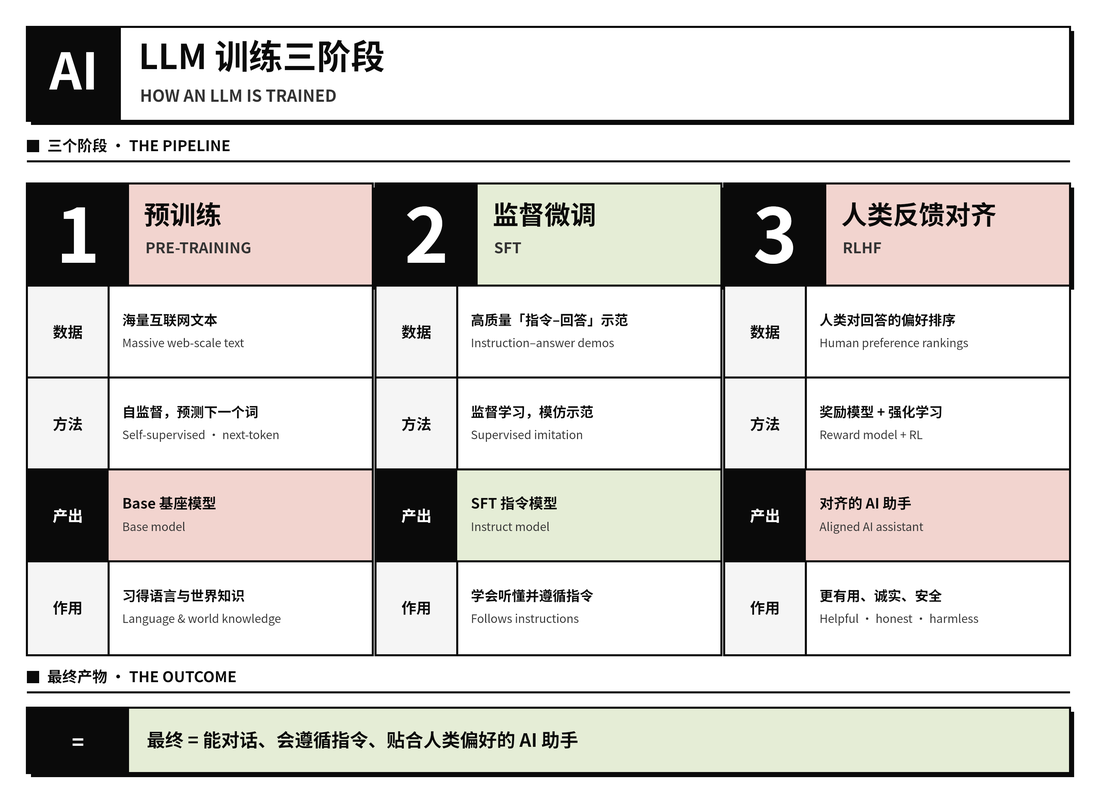
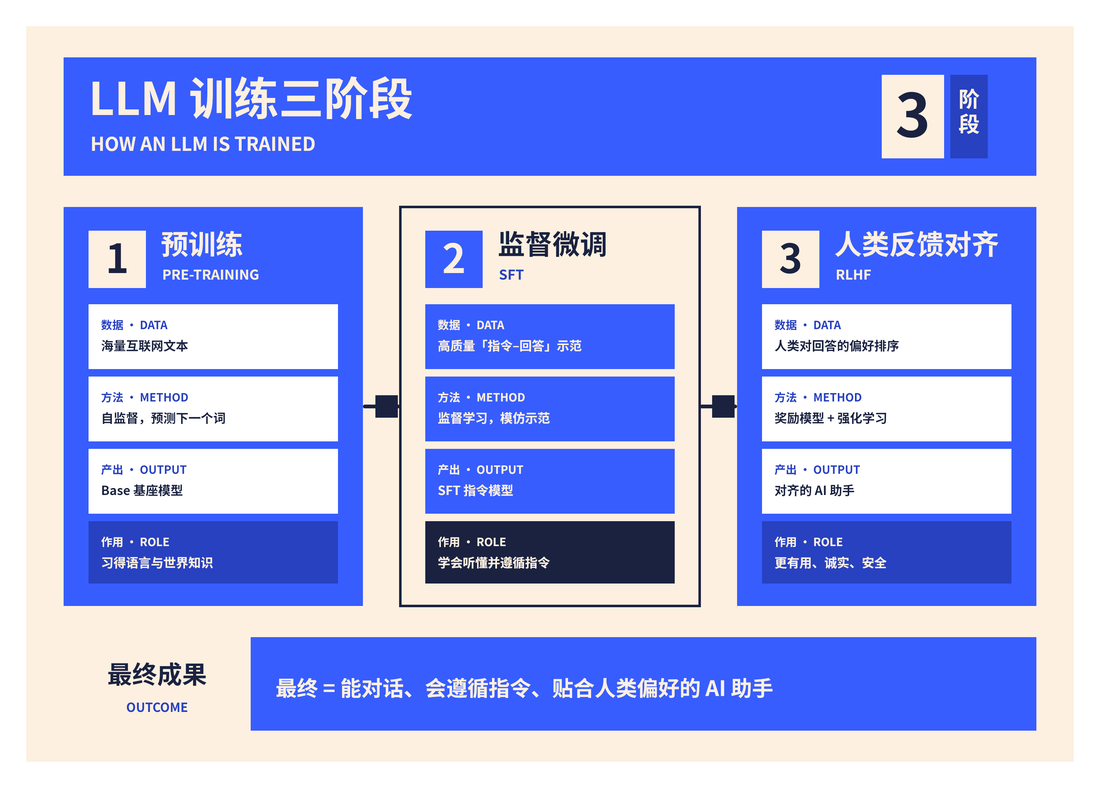
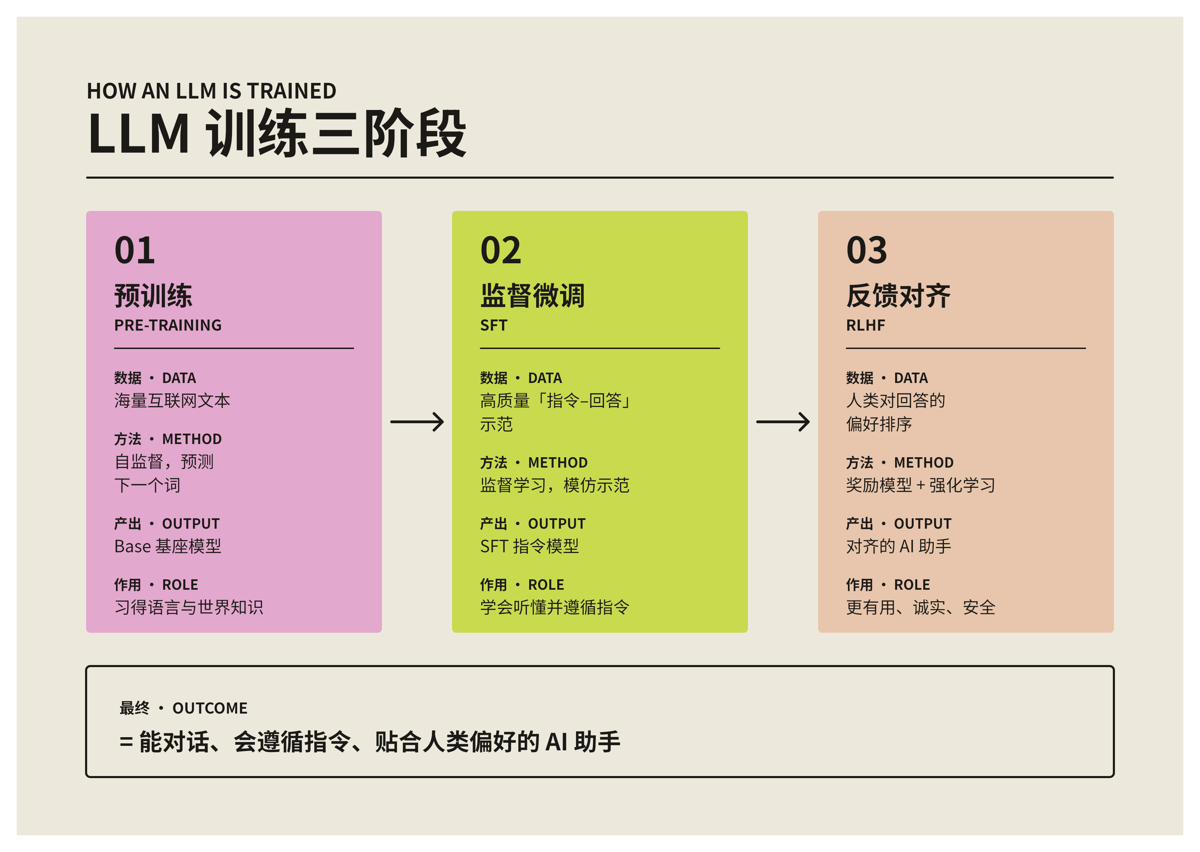
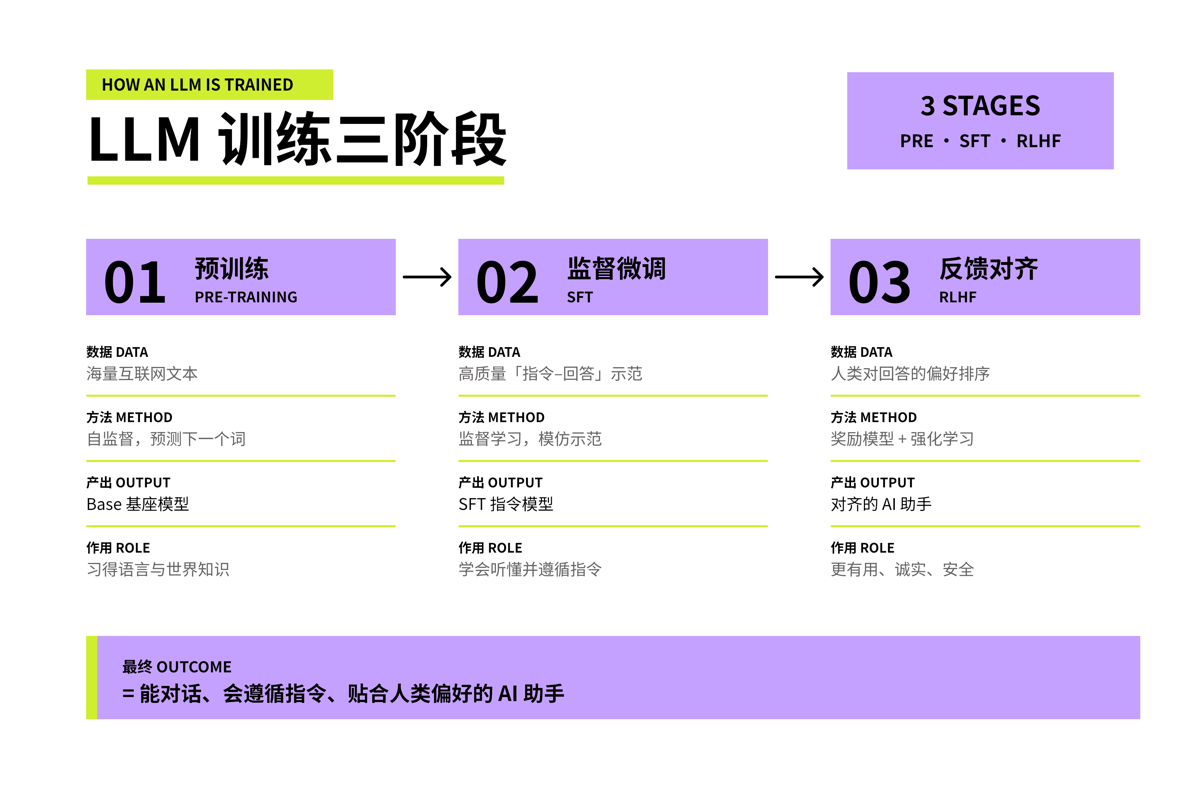
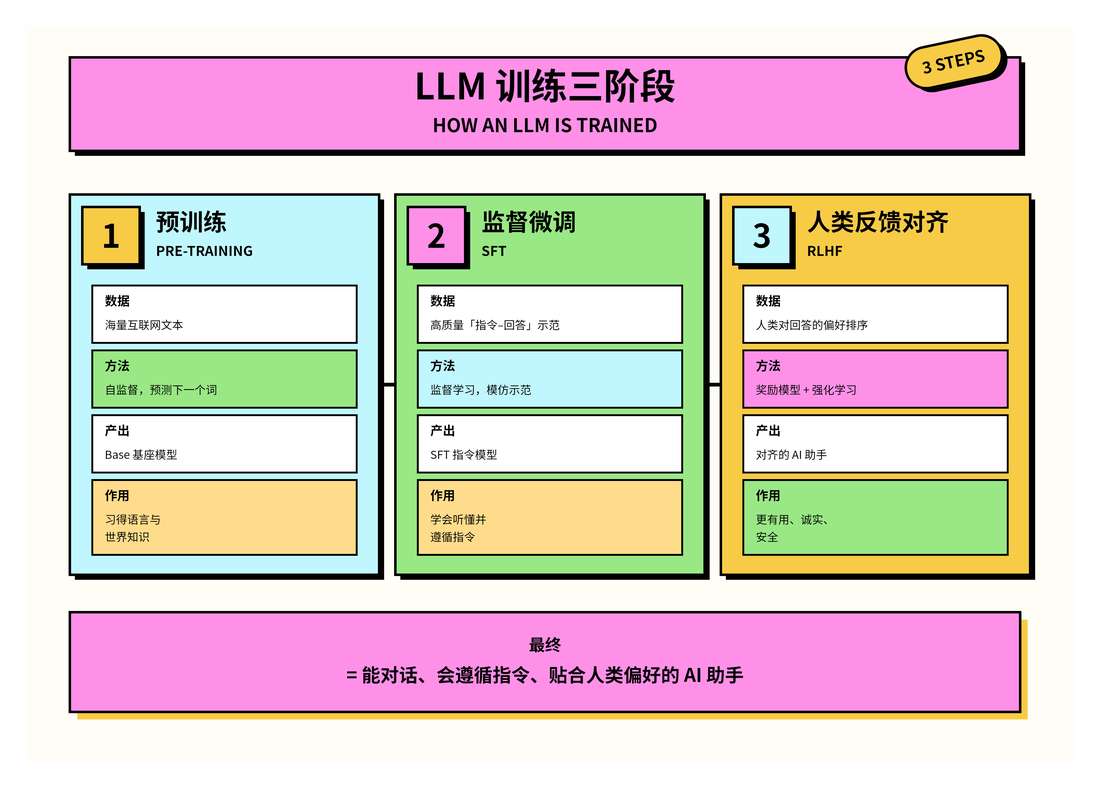
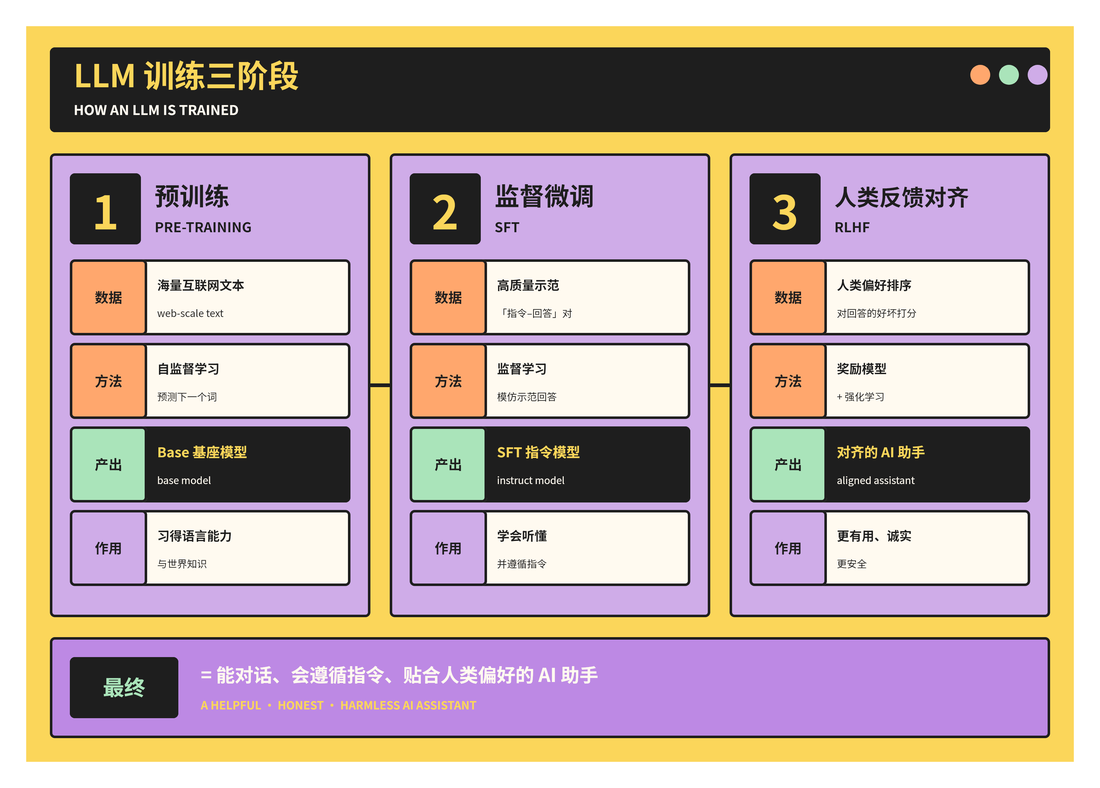
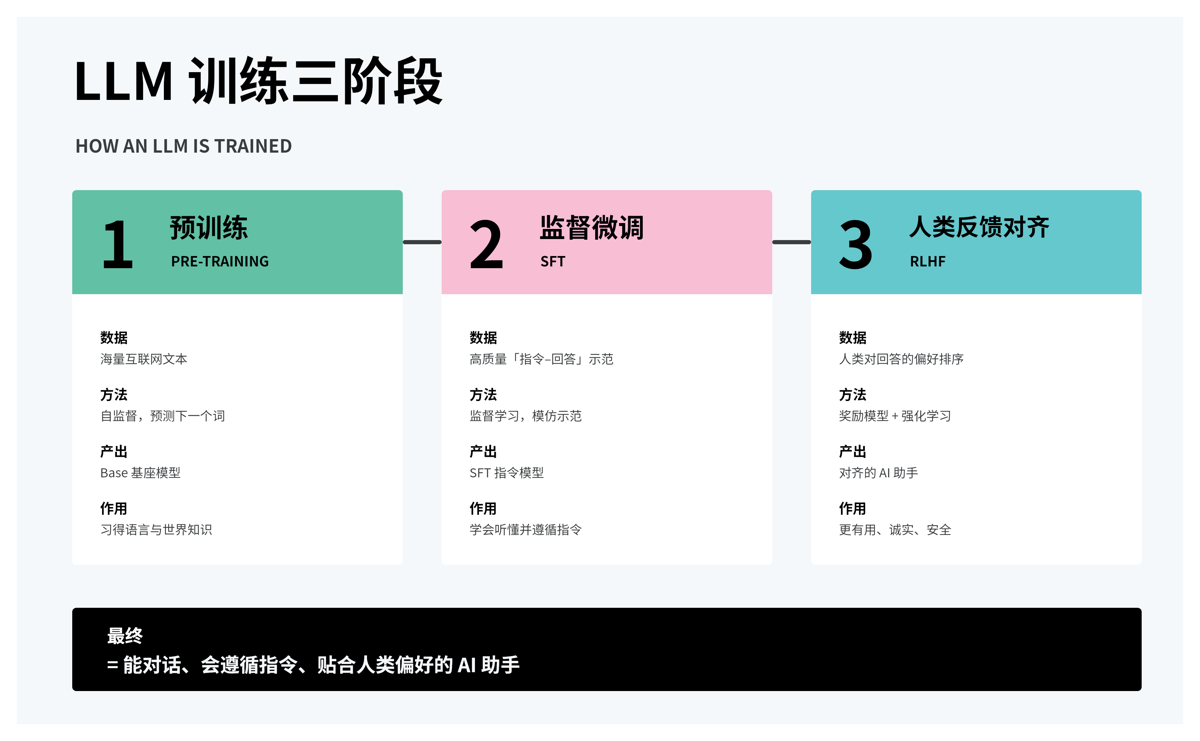
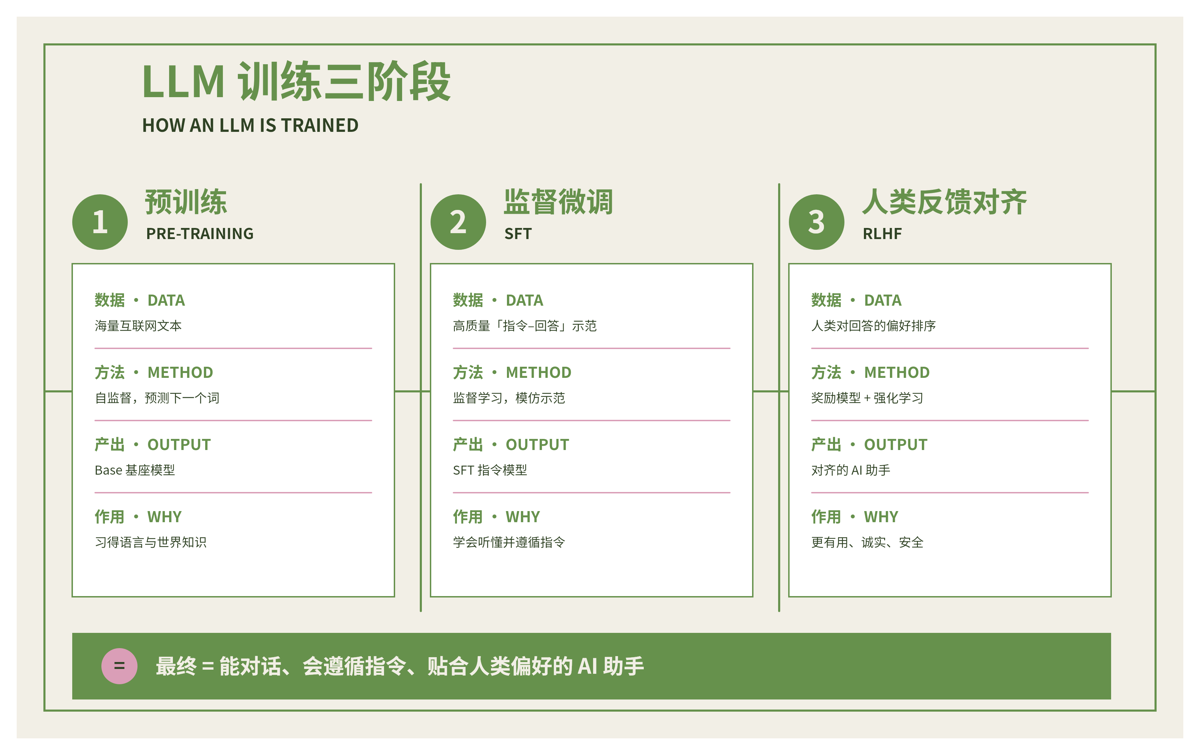
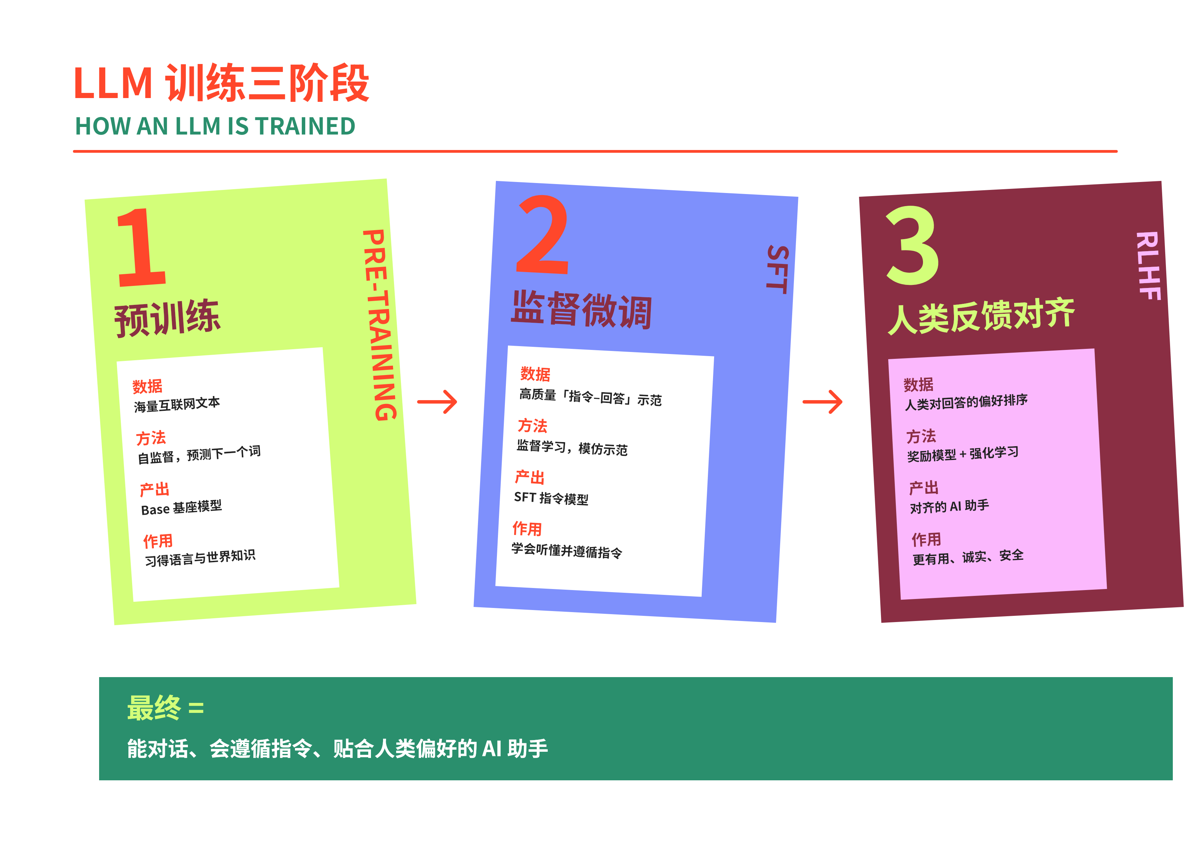
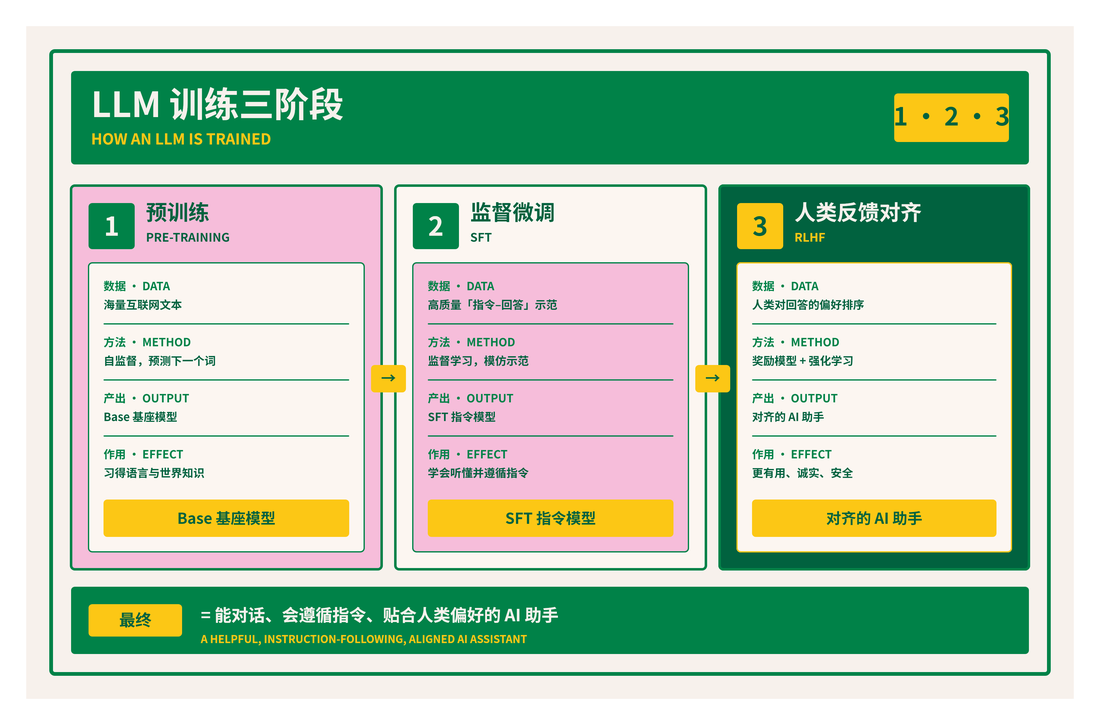
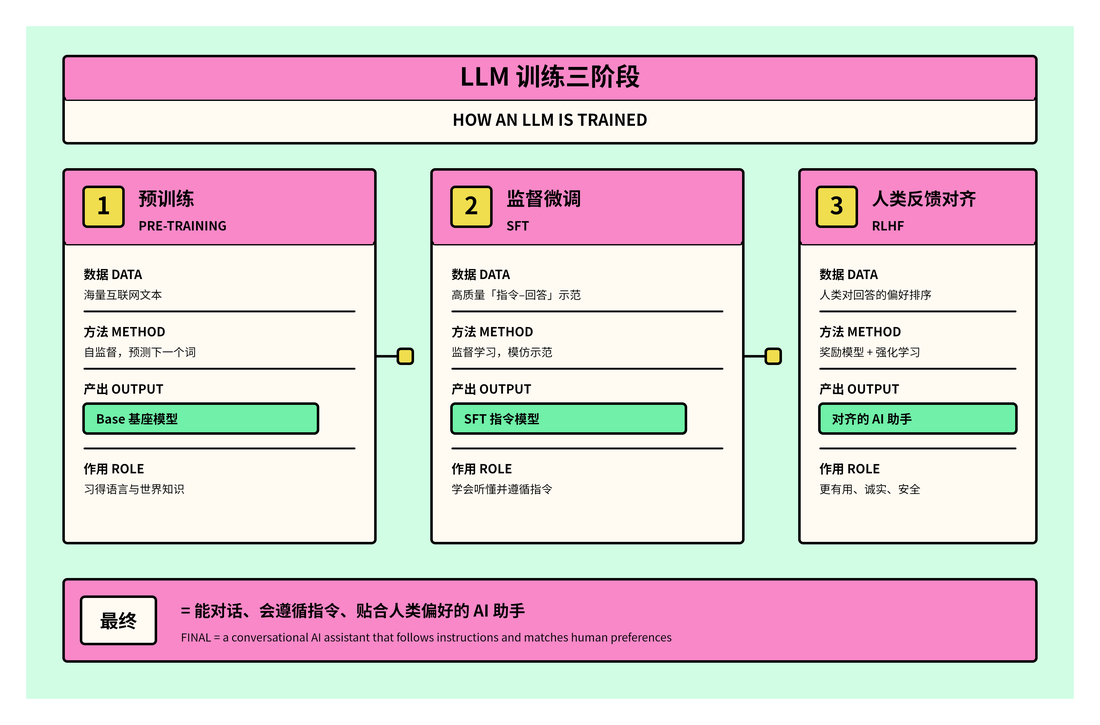
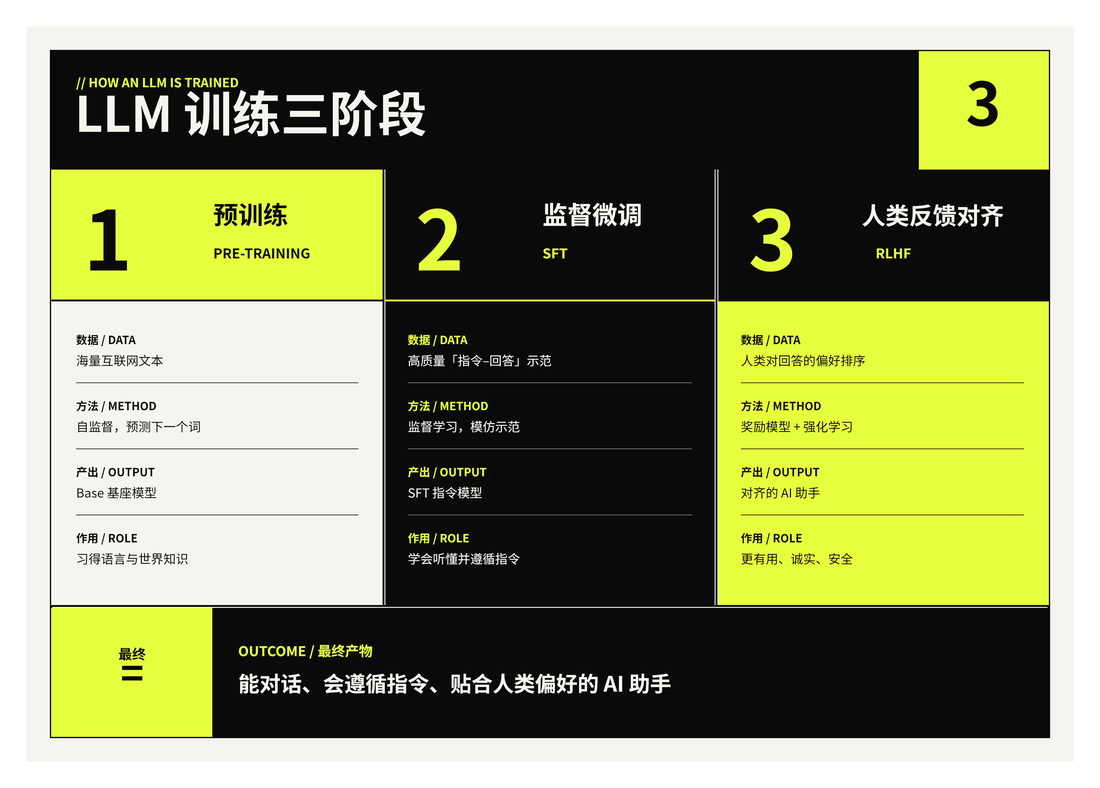
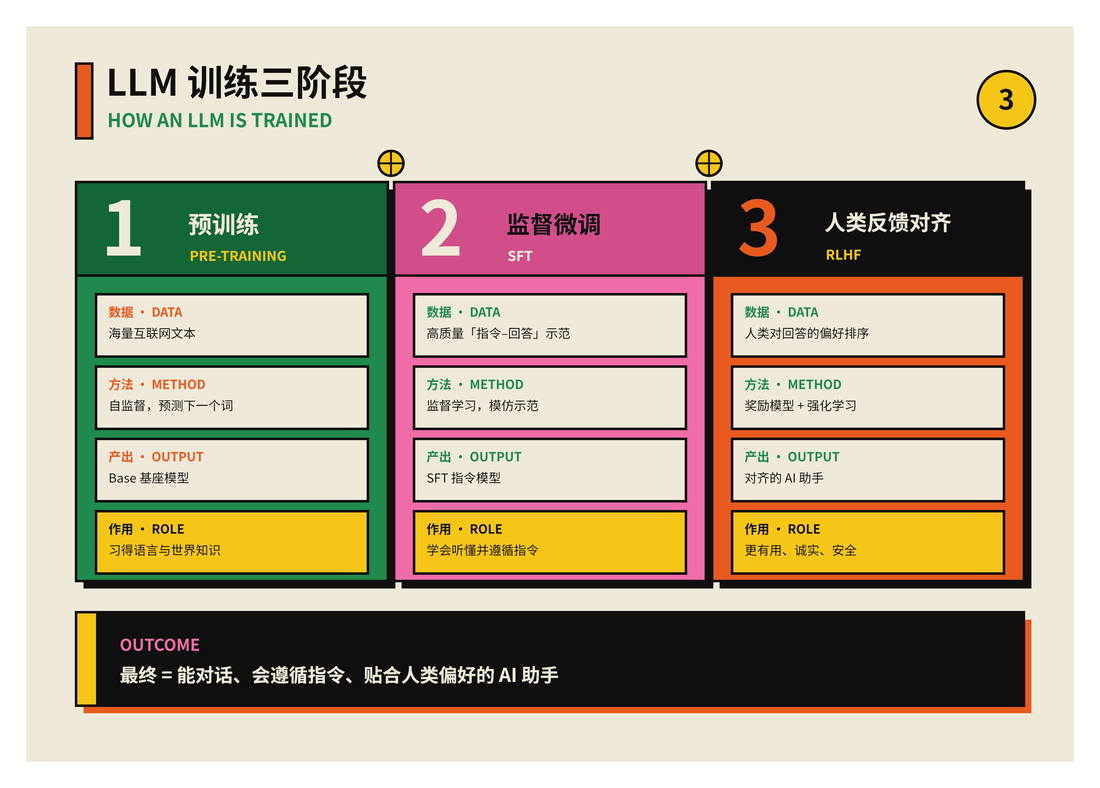
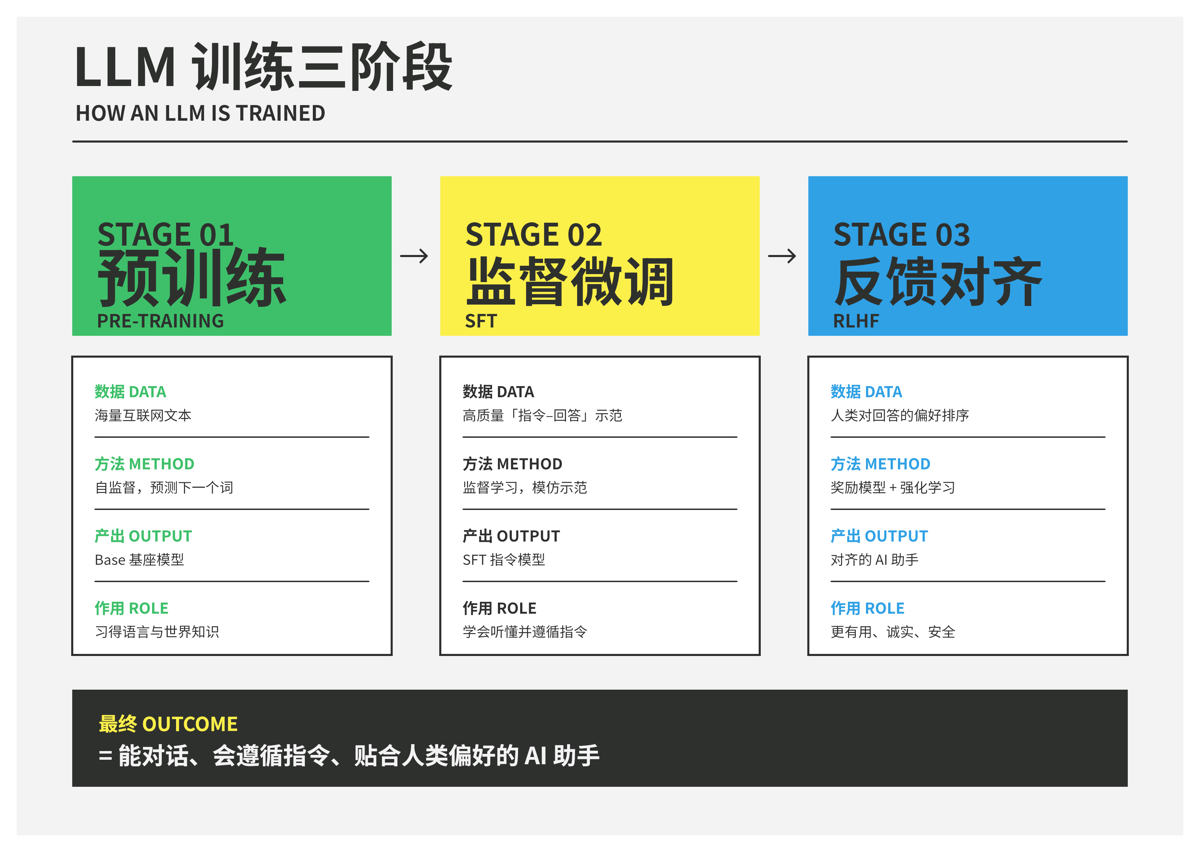
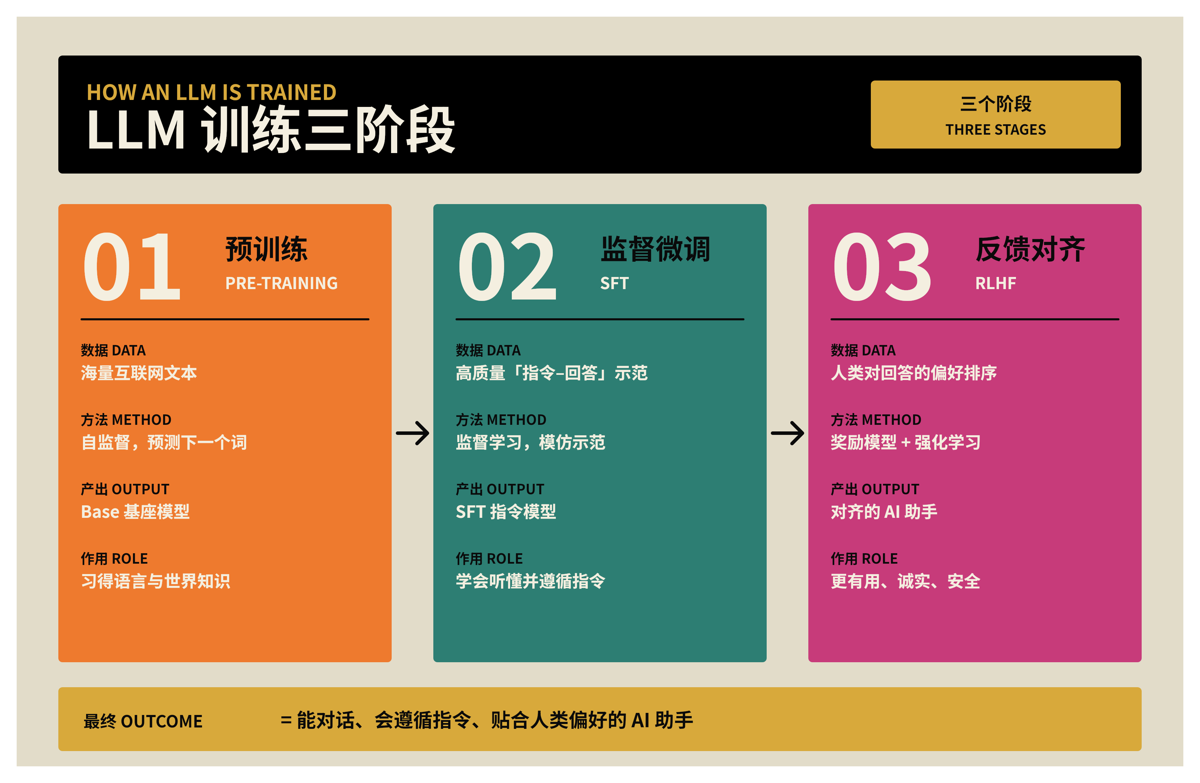
Every style renders the same content, the three stages of LLM training, so you can compare palettes directly. The 35 styles are grouped from restrained to bold. Click a name to open its template.
Restrained
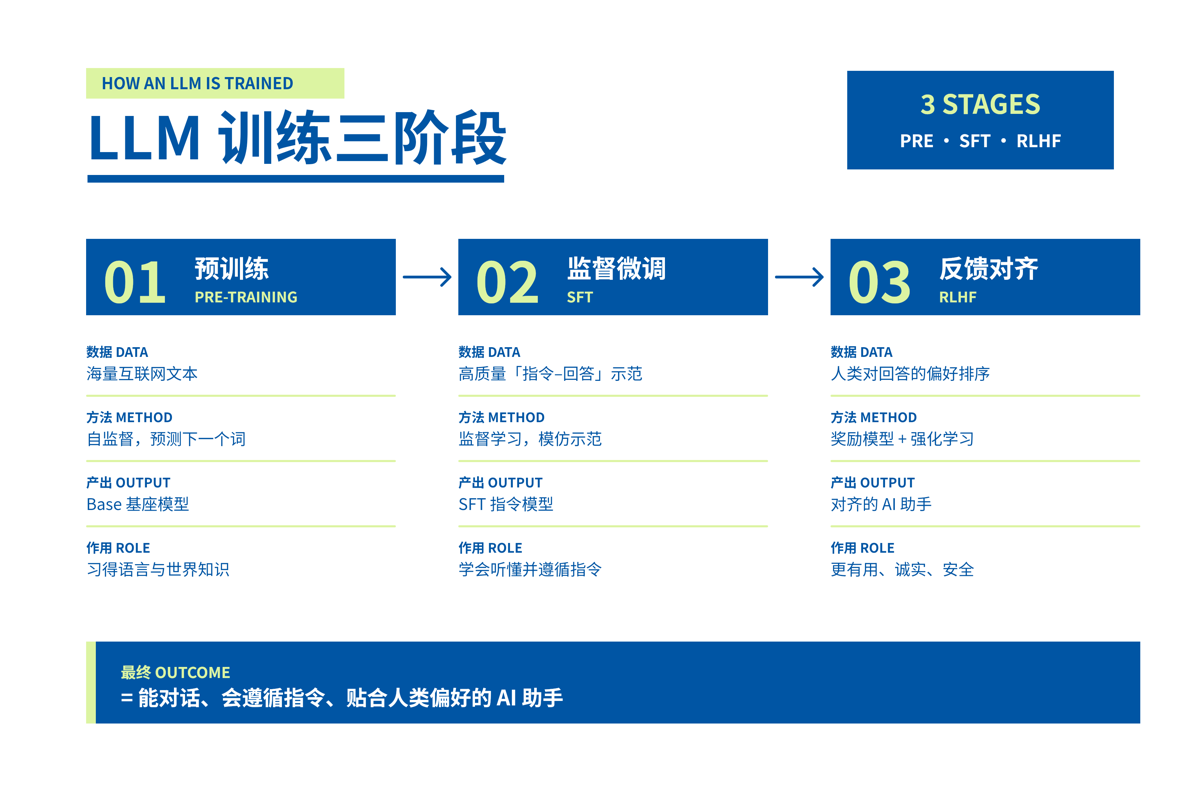
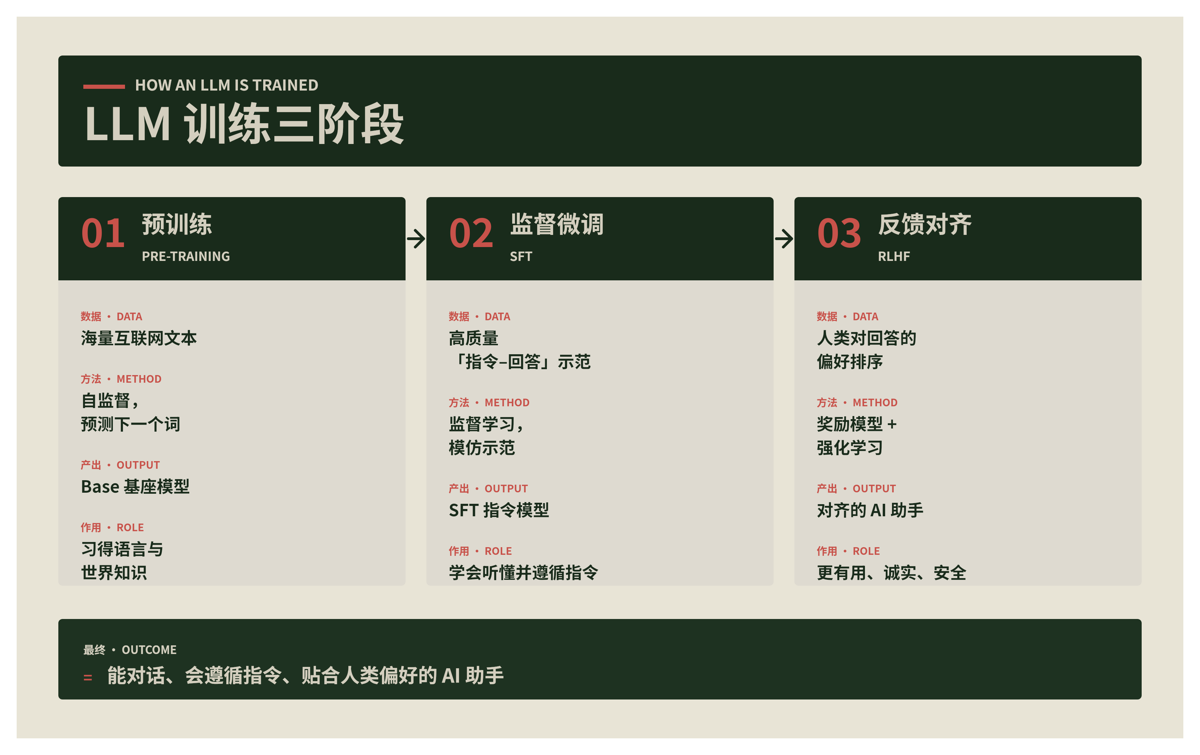
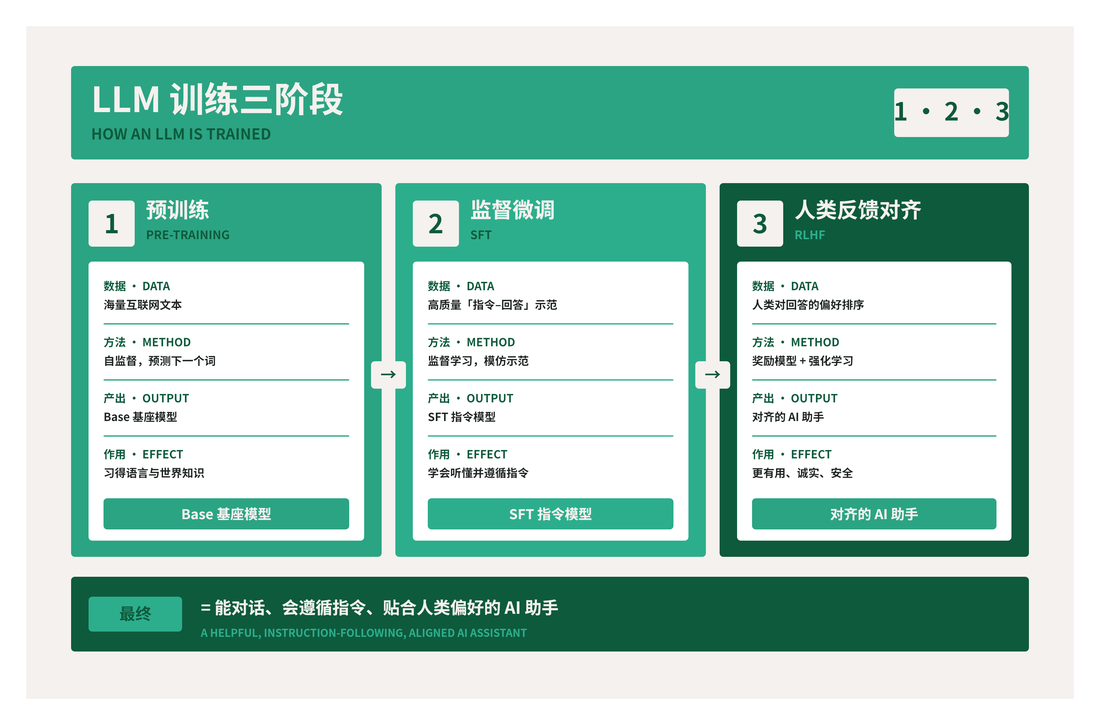
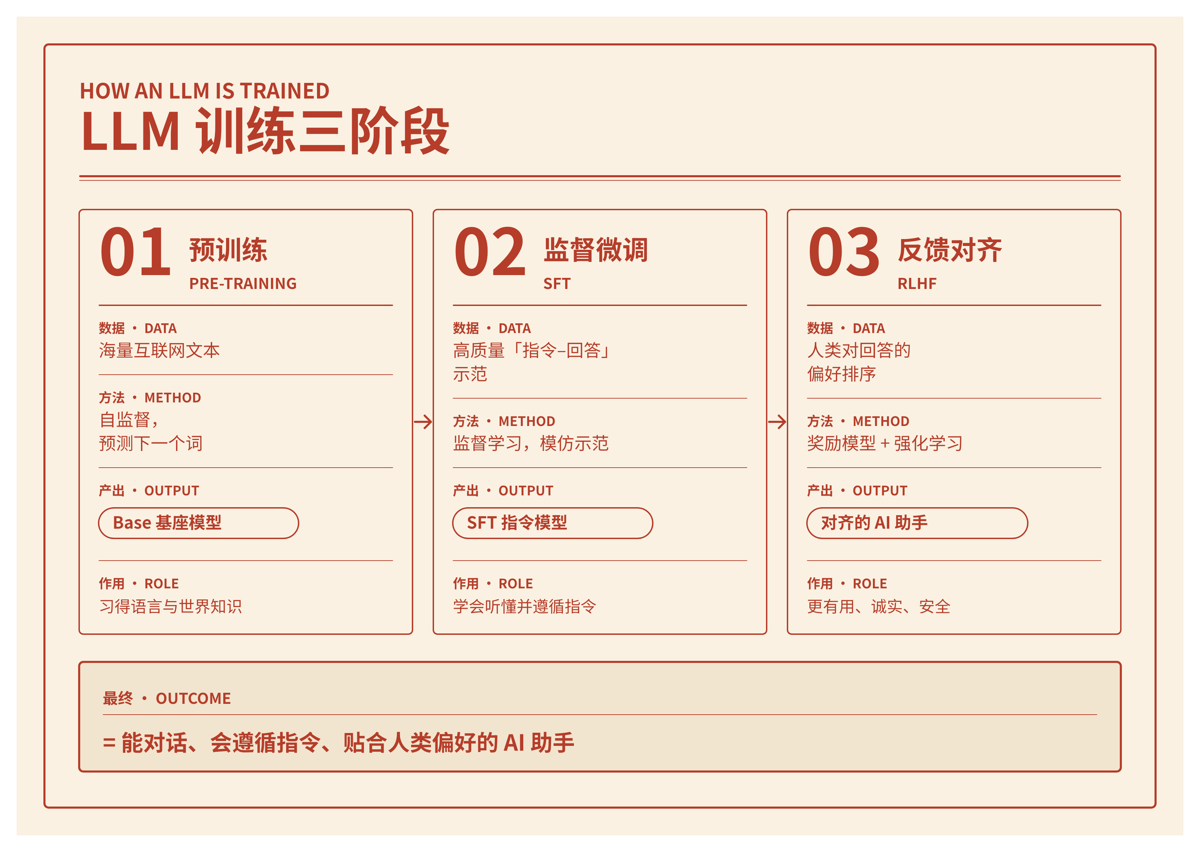
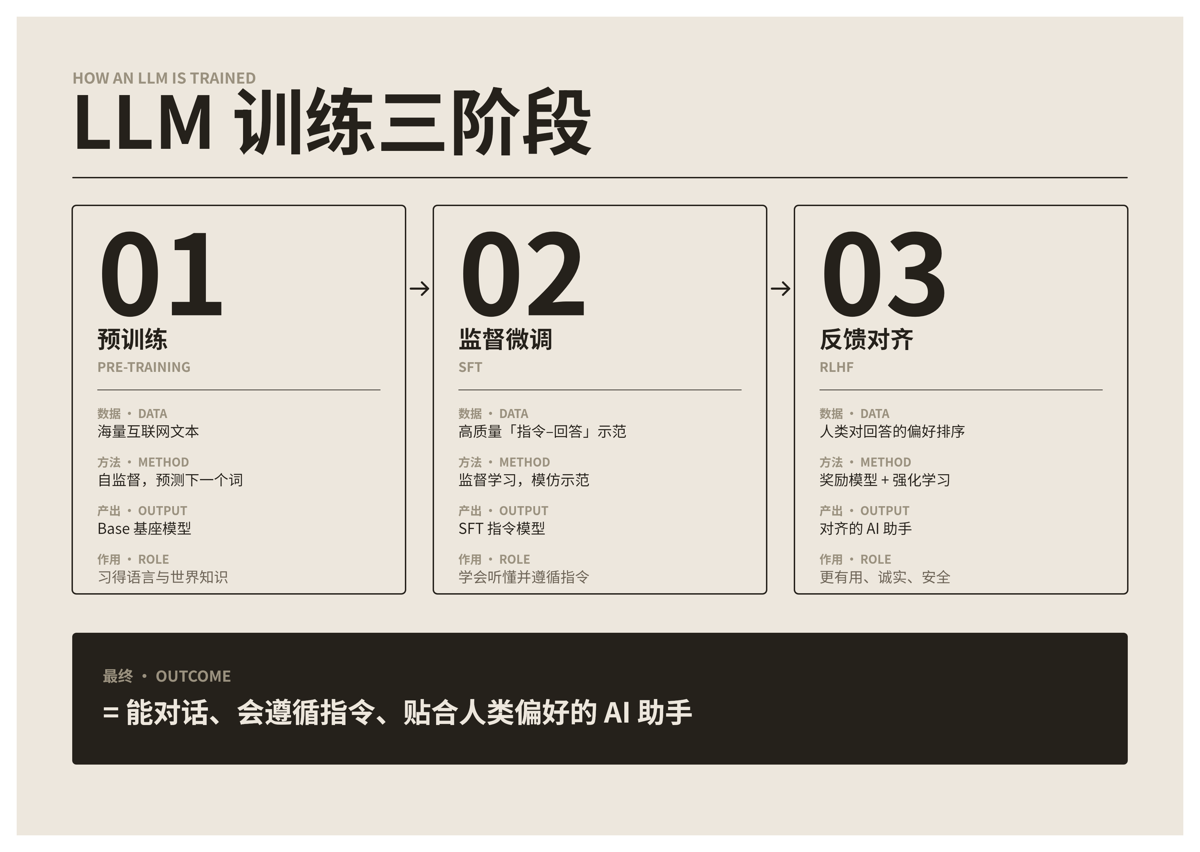
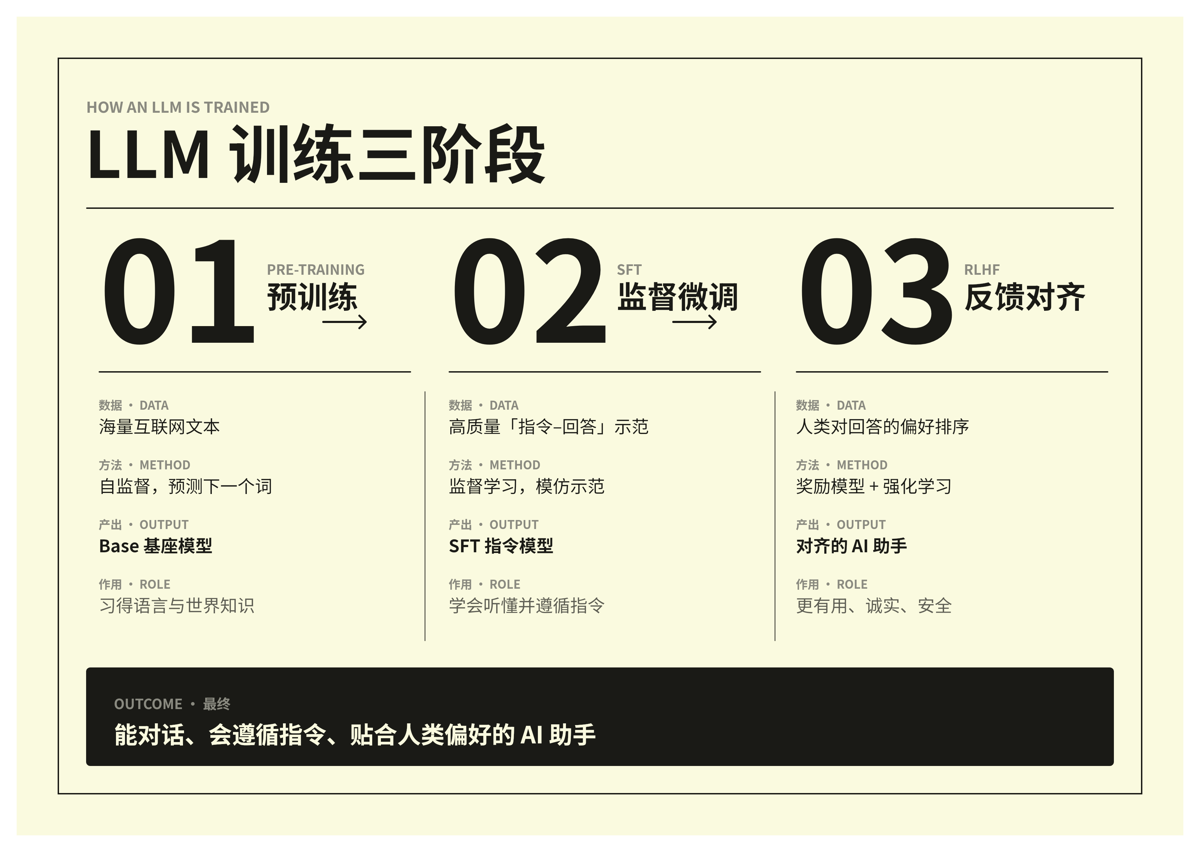
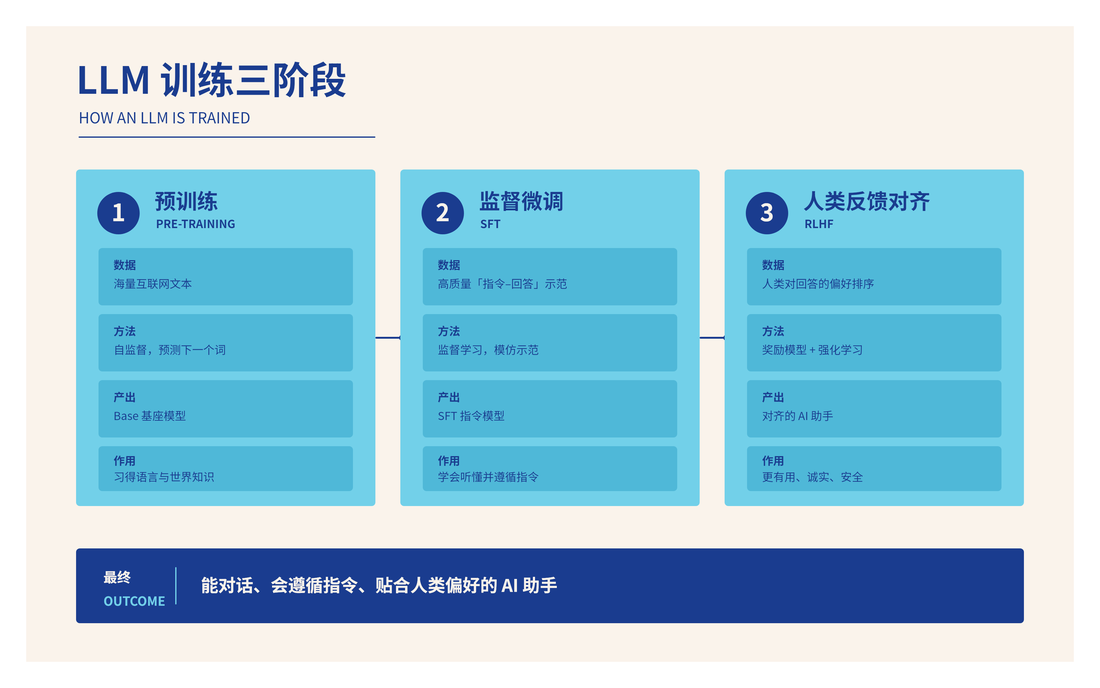
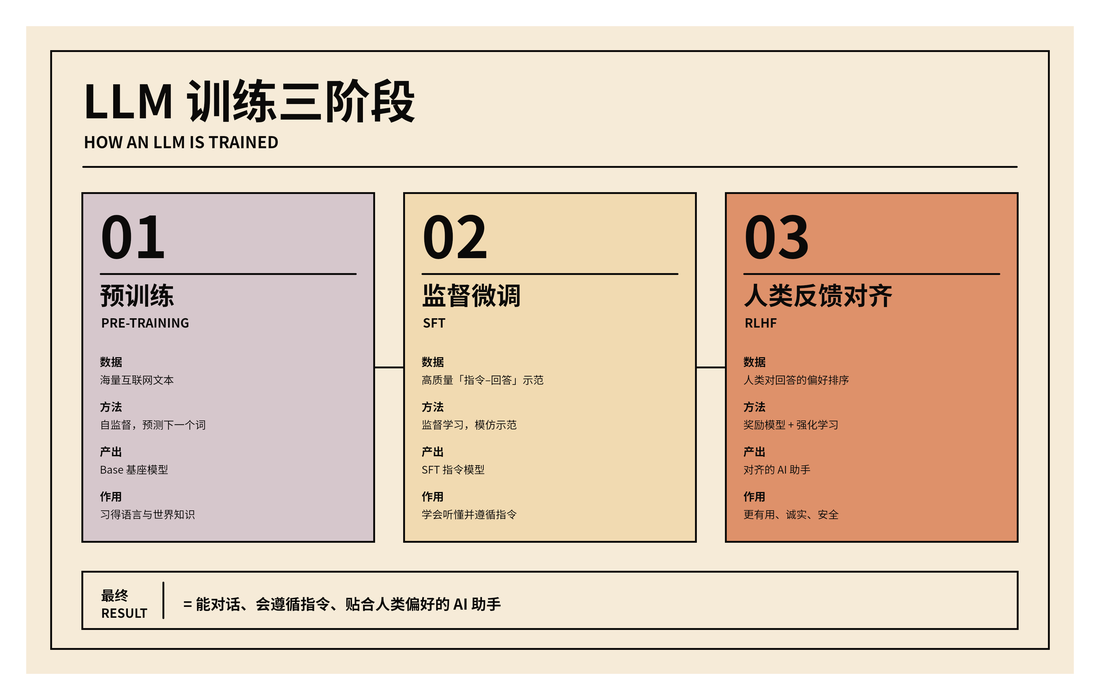
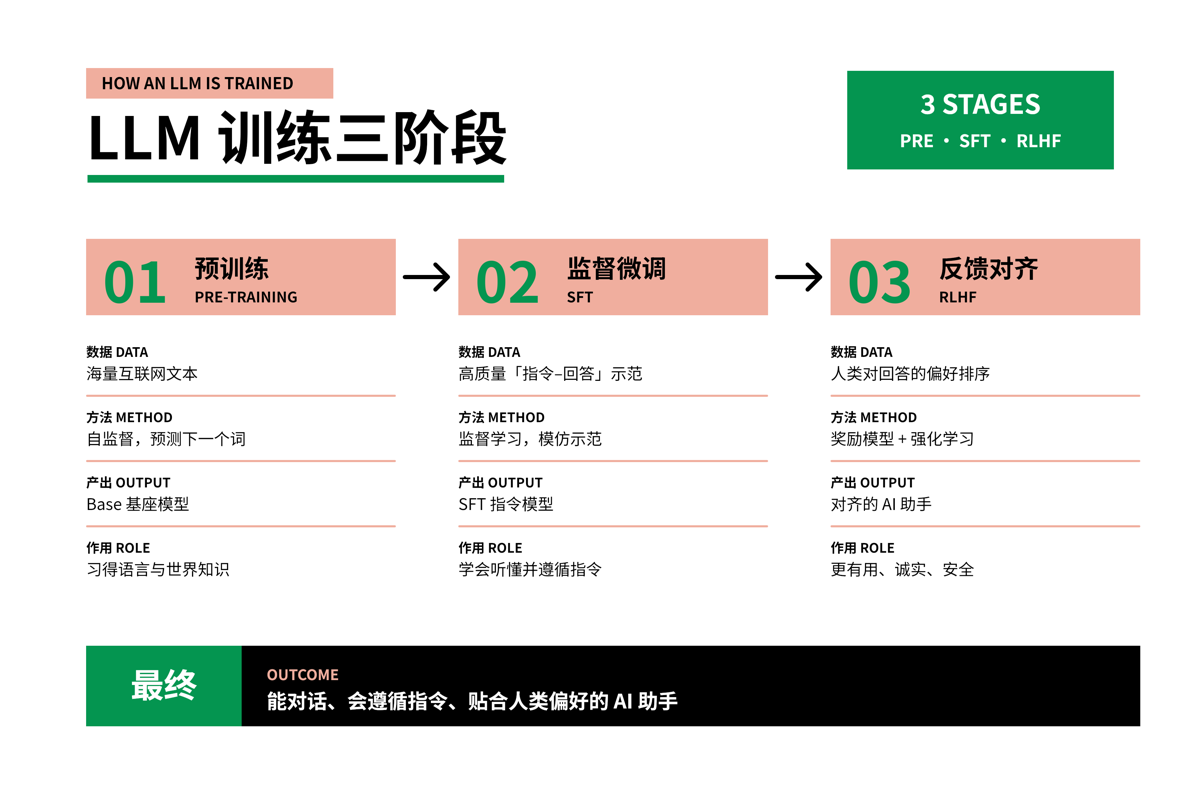
Balanced
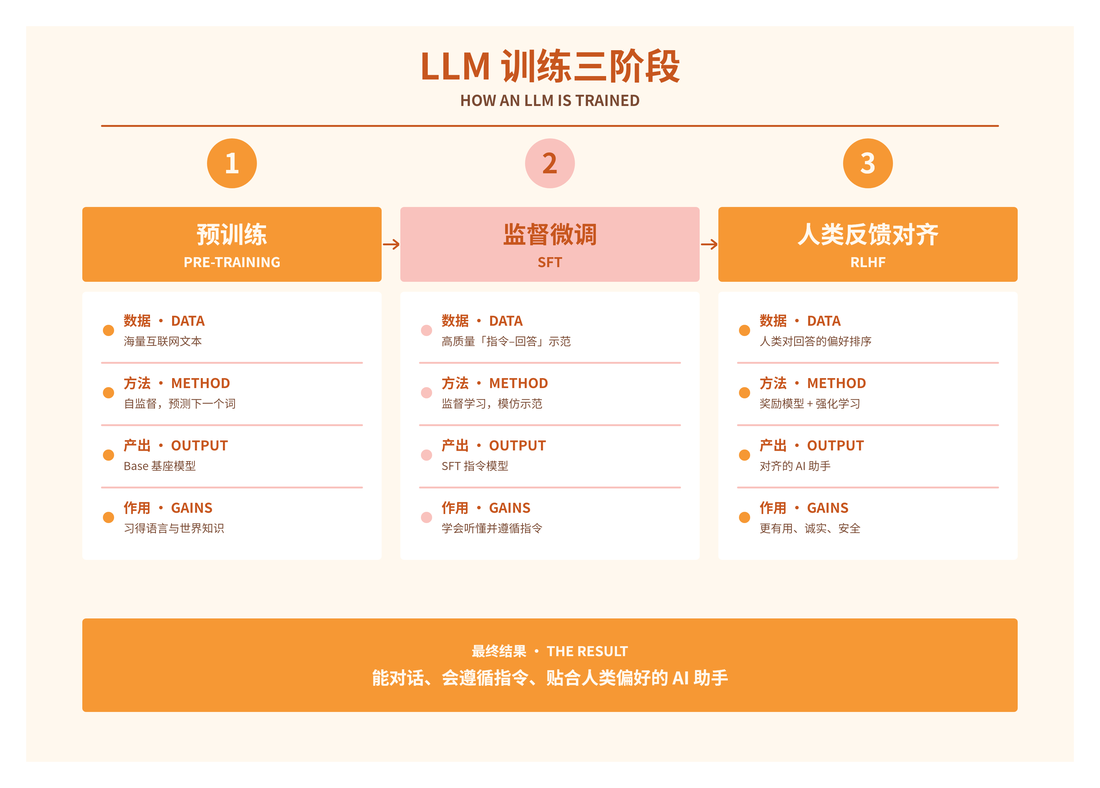
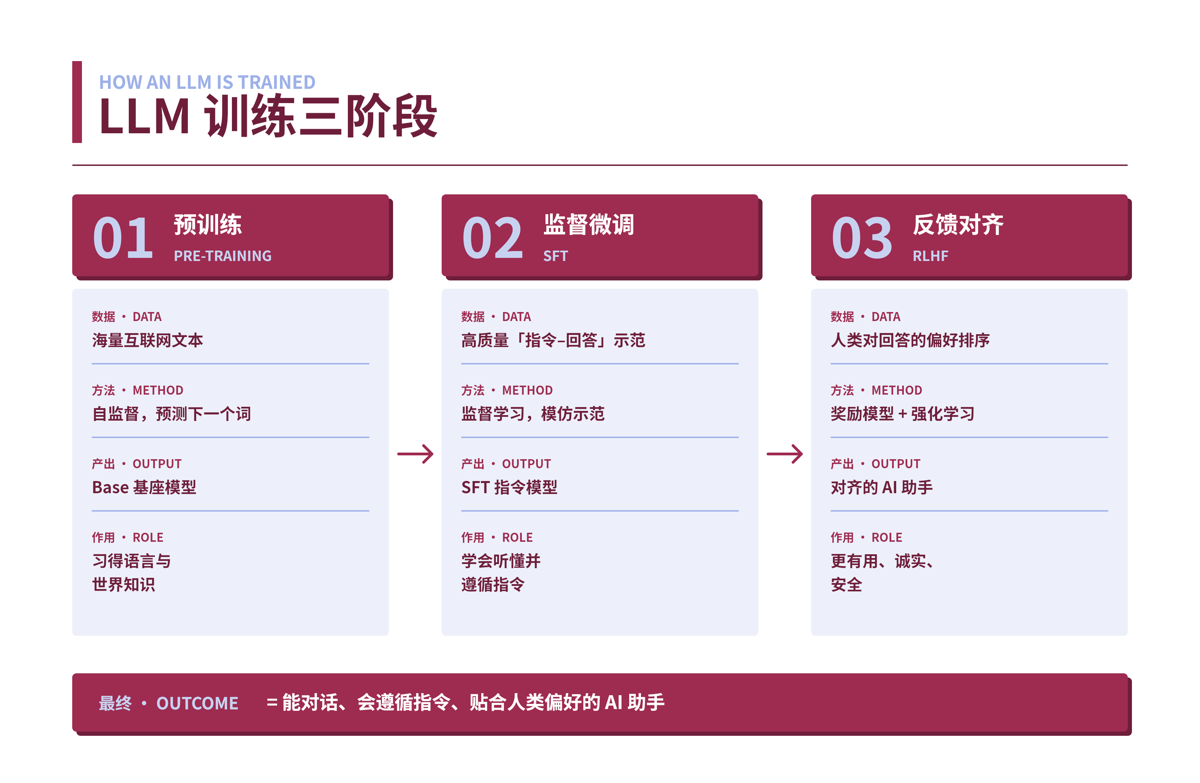
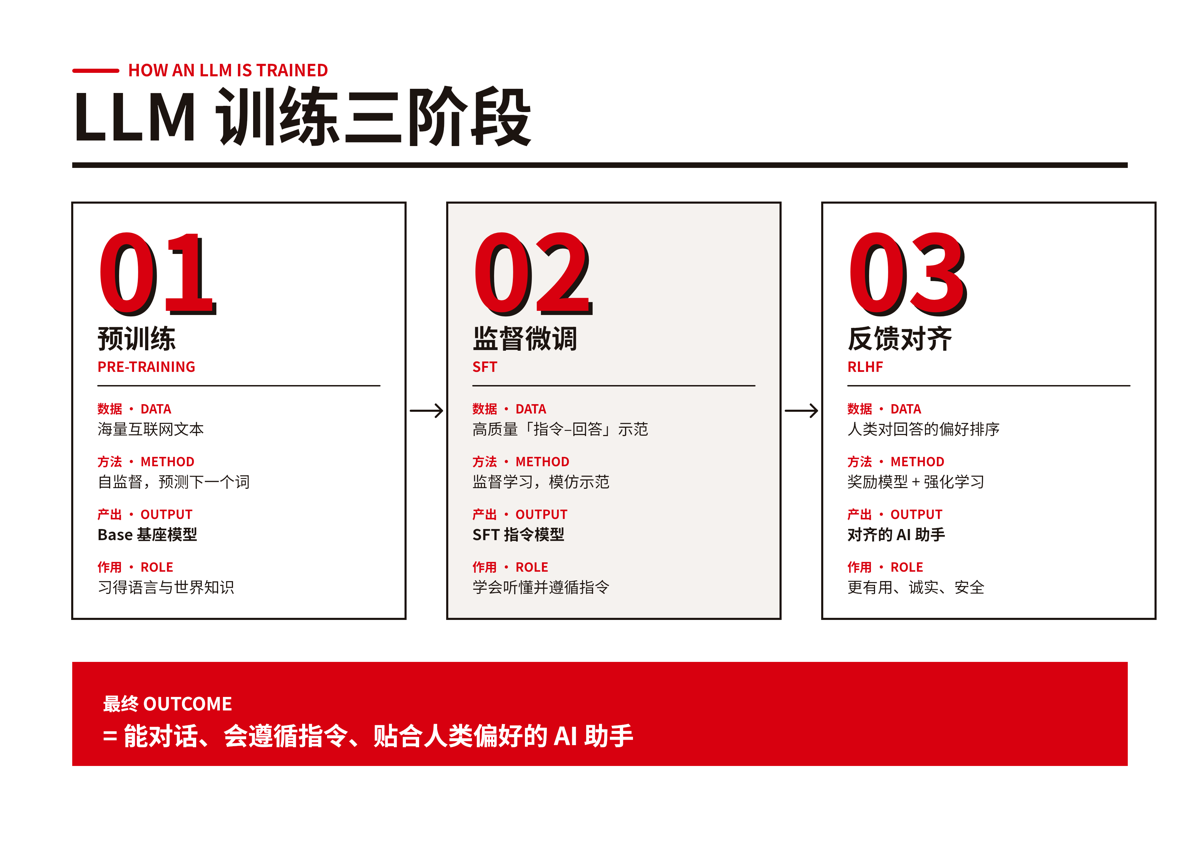
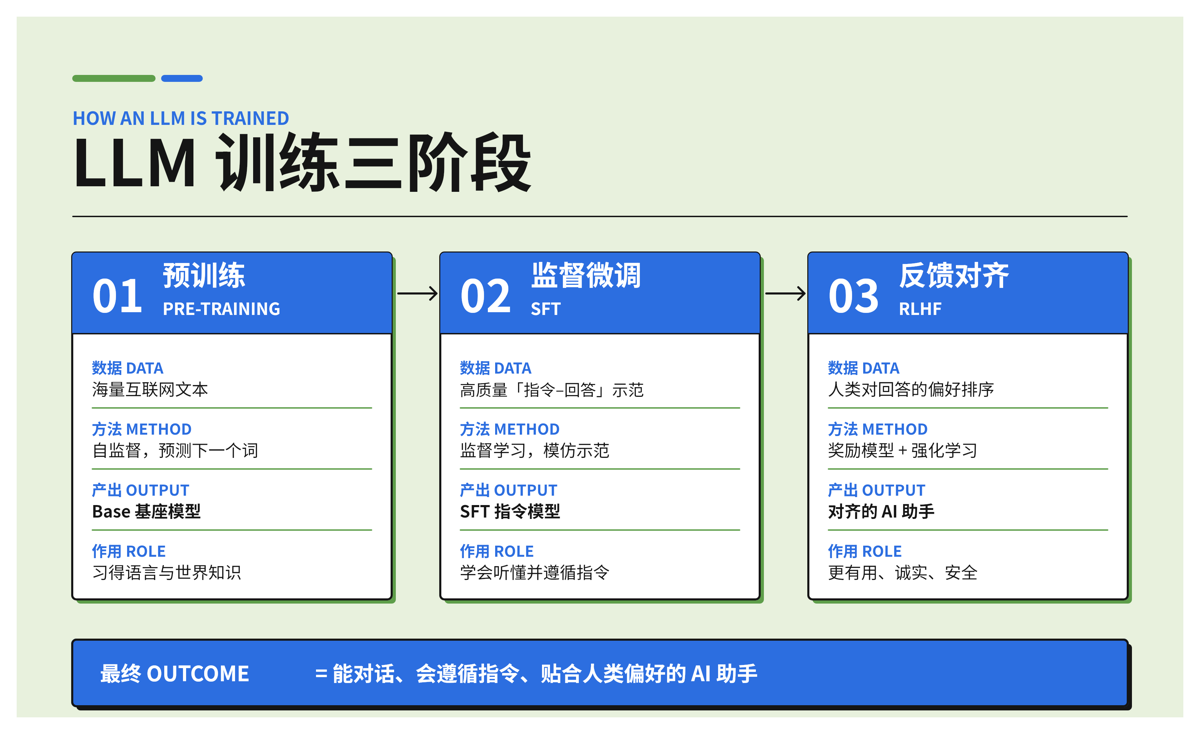
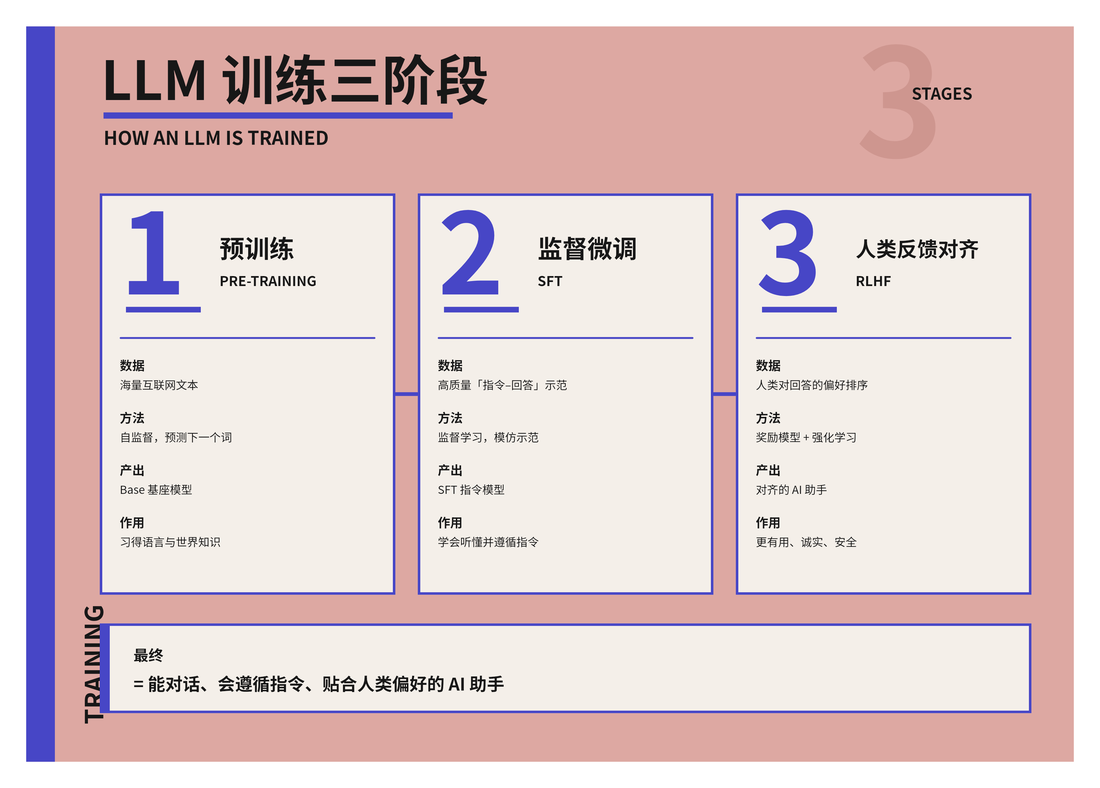
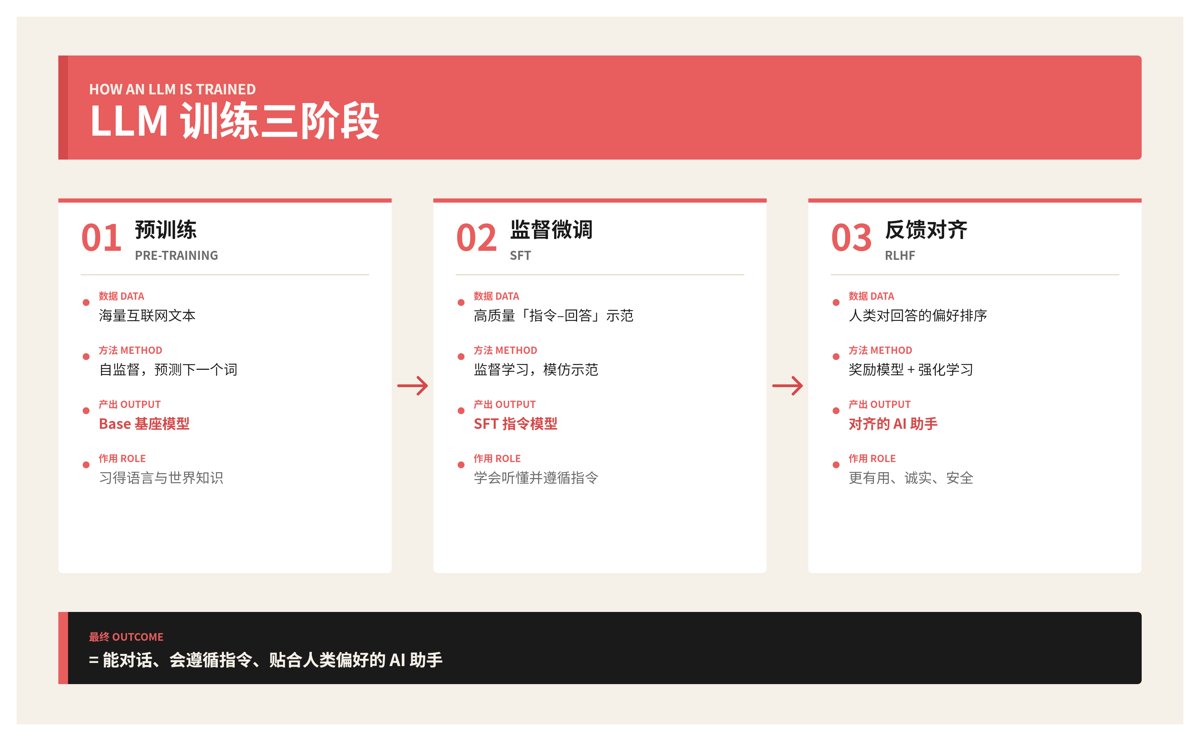
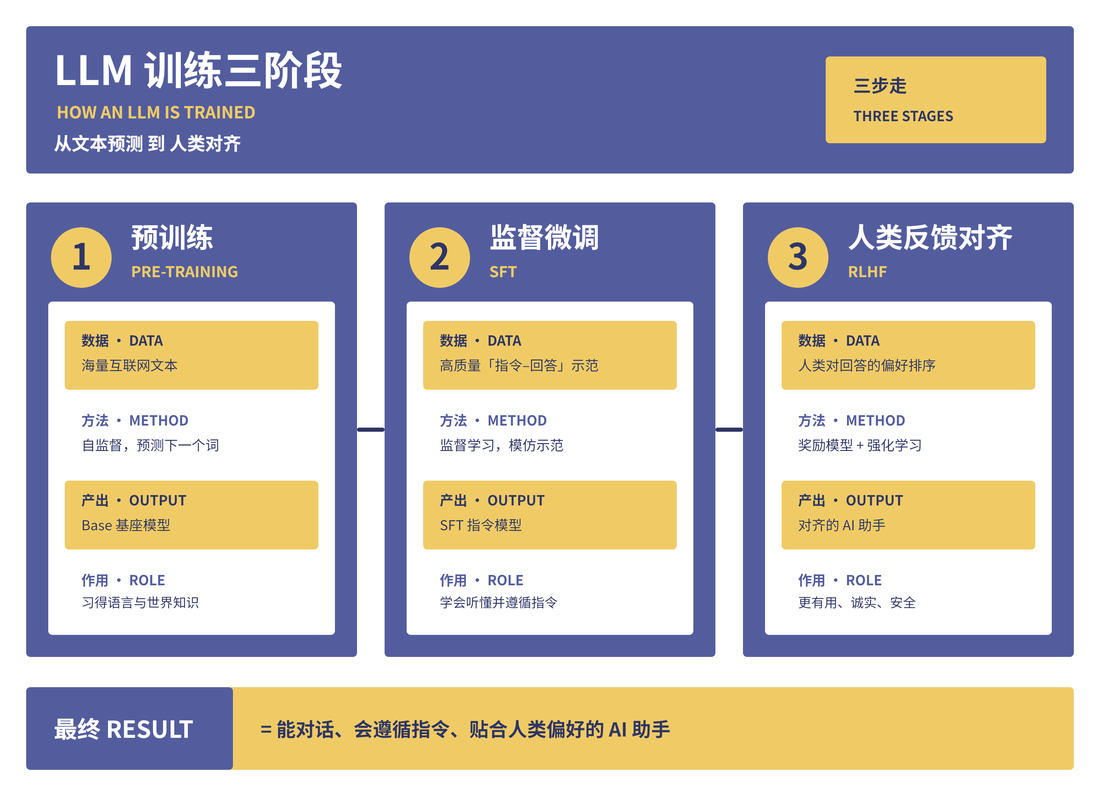
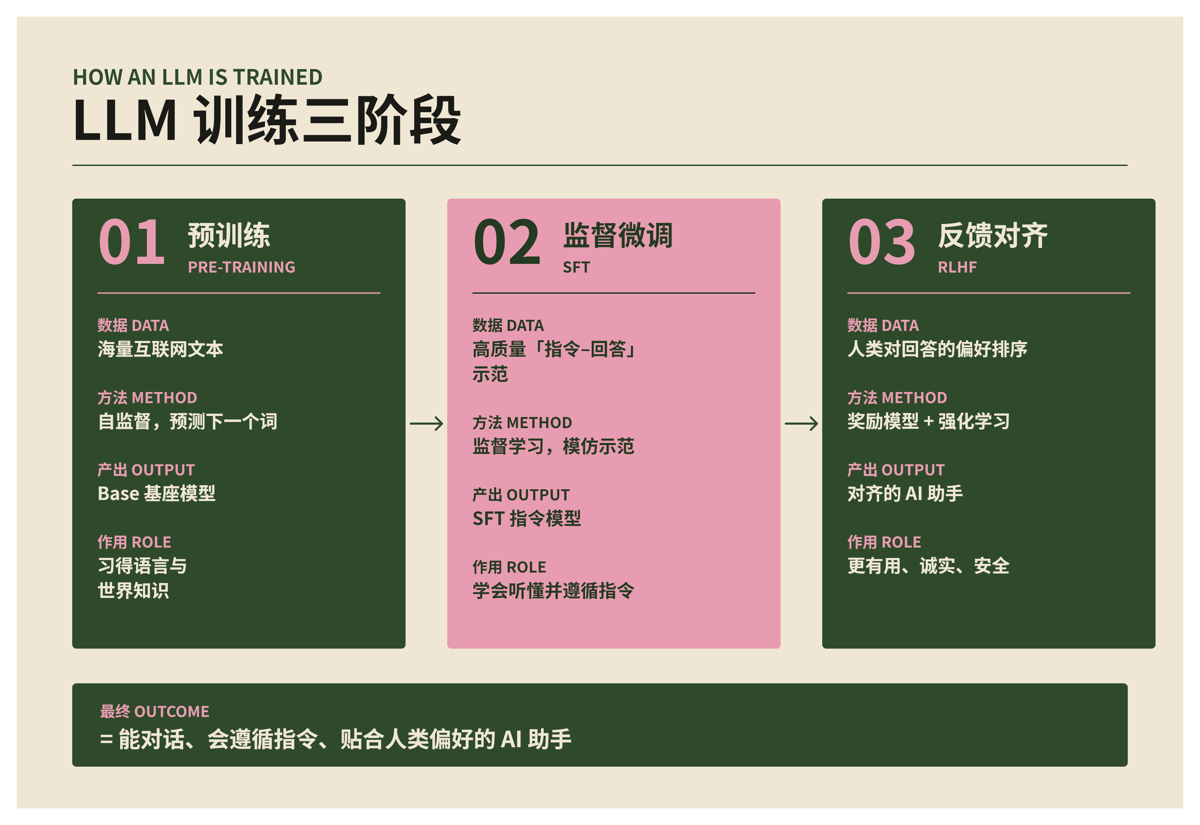
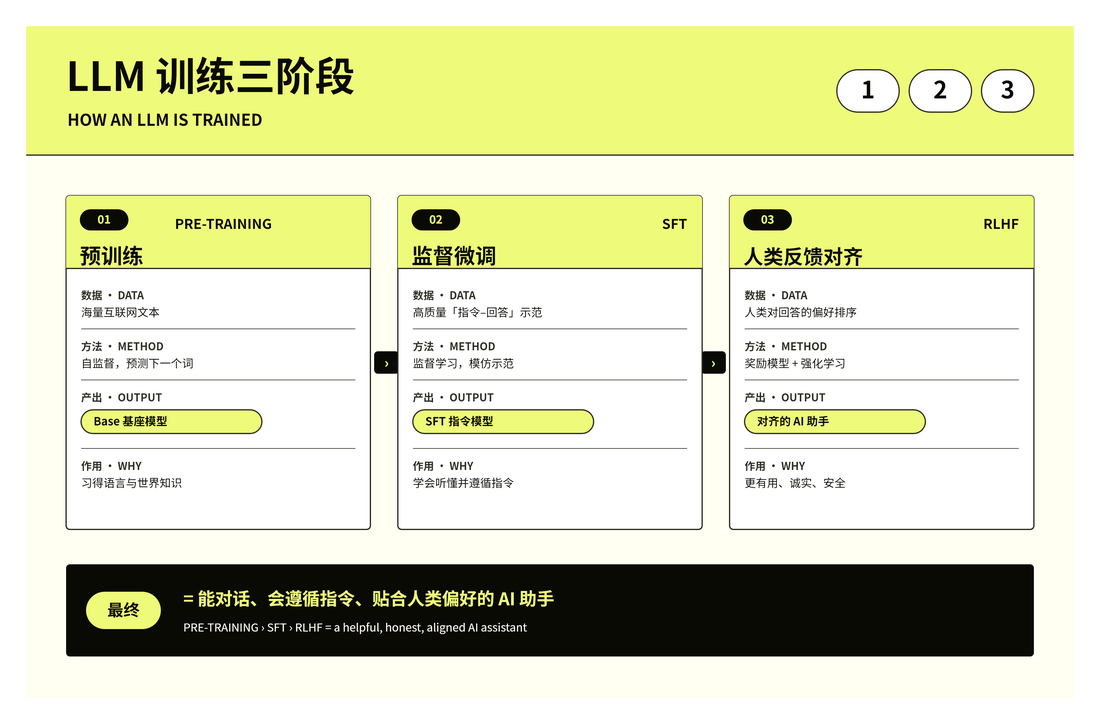
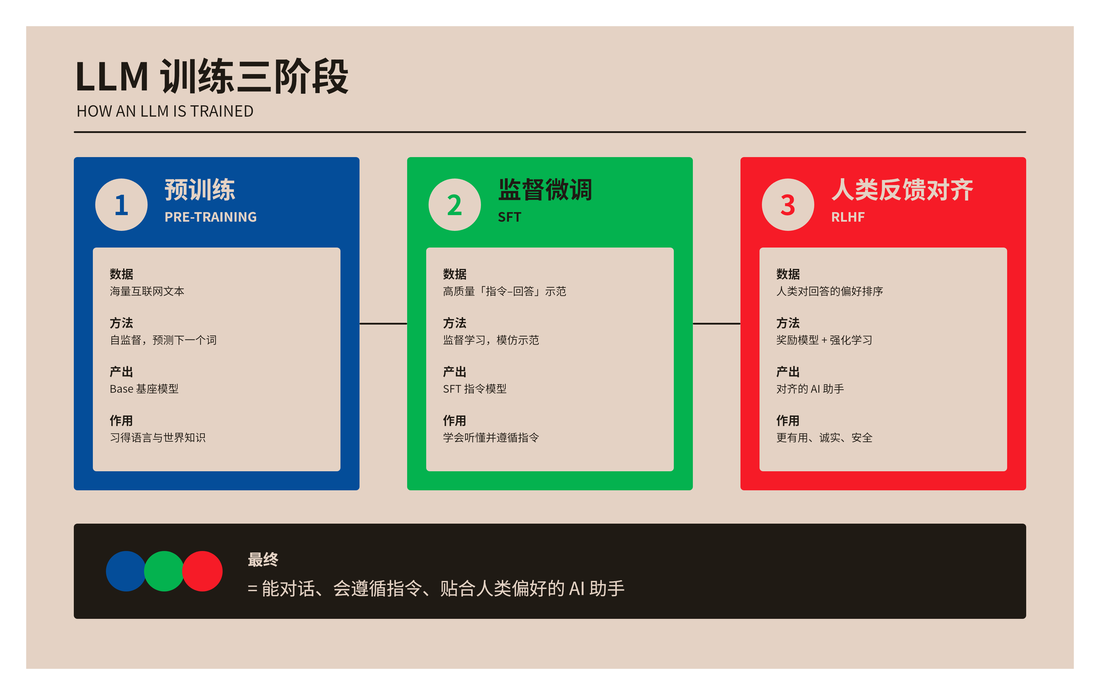
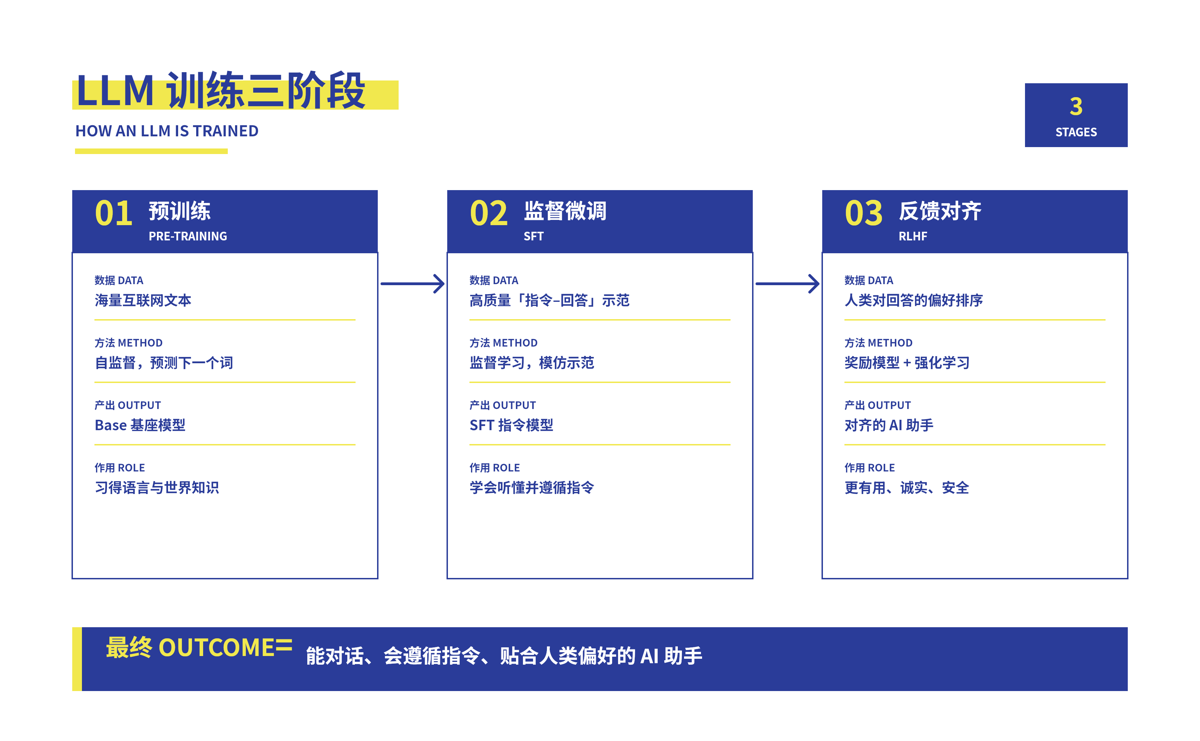
Bold
Install
Tell your agent (Claude Code, etc.):
"Install the beautiful-feishu-whiteboard skill from
github.com/zarazhangrui/beautiful-feishu-whiteboard."
Or run the installer yourself:
# project level (./.claude/skills or your agent's skills dir)
npx skills add zarazhangrui/beautiful-feishu-whiteboard

# or globally (available in every project)
npx skills add zarazhangrui/beautiful-feishu-whiteboard -g
Or install manually (clone into your agent's skills folder):
git clone https://github.com/zarazhangrui/beautiful-feishu-whiteboard \
  ~/.claude/skills/beautiful-feishu-whiteboard
Requirements
- Node.js 20 or newer
- A Feishu / Lark account. Boards are written into your own tenant.
lark-cli(npm@larksuite/cli), installed and authenticated:npm install -g @larksuite/cli lark-cli config init # first run: scan the QR code lark-cli auth login # authorize your Feishu/Lark account@larksuite/whiteboard-cli, used vianpx, downloads automatically, no install needed.
Run the bundled check any time: bash scripts/preflight.sh
Use it
Once installed, just ask your agent in plain language. You can name a style or describe a vibe:
- "Make a Feishu whiteboard explaining our onboarding flow, in the Riso Brut style."
- "Turn this doc into a visual board in Feishu, minimal cobalt look."
- "Draw the system architecture as a Feishu whiteboard, playful candy colours."
- "Explain the 3 LLM training stages as a board."
Your agent will: ask what the board is for and what vibe you want, pick a fitting style from the catalogue, compose the diagram with native shapes, render it and self correct (overflow, margins, overlaps), write it into a Feishu doc as an editable whiteboard, then send you both the doc link and the image. You can switch to a different style any time.
How it works
SKILL.md: the agent entry point. When to use, the preflight, and the conversation flow (understand the board, ask the vibe, pick a style, build, deliver the link and image, offer to switch).CATALOG.md: every style with its vibe, formality level, and what it is good for, so the agent can pick a style that fits the content.RULES.md: the medium's hard limits (native shapes only, no opacity, no gradients or blur, the text colour export caveat) and the exactlark-cliandwhiteboard-clicommands.templates//design.md: one per style, just the palette and how to use its colours. The agent is free to lay out the content however reads best; the template only constrains colour and mood.
License
MIT (c) Zara Zhang (@zarazhangrui)
Built on Feishu/Lark's @larksuite/cli and @larksuite/whiteboard-cli.